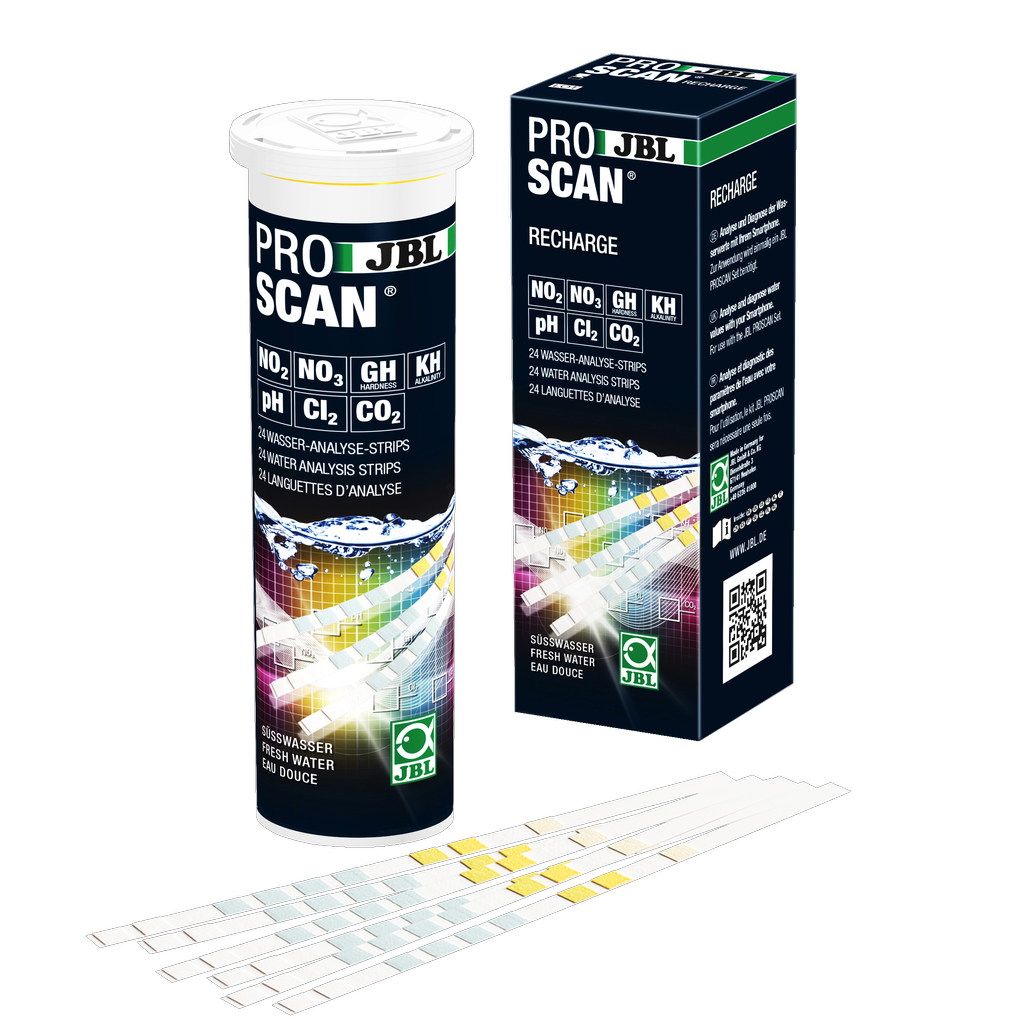
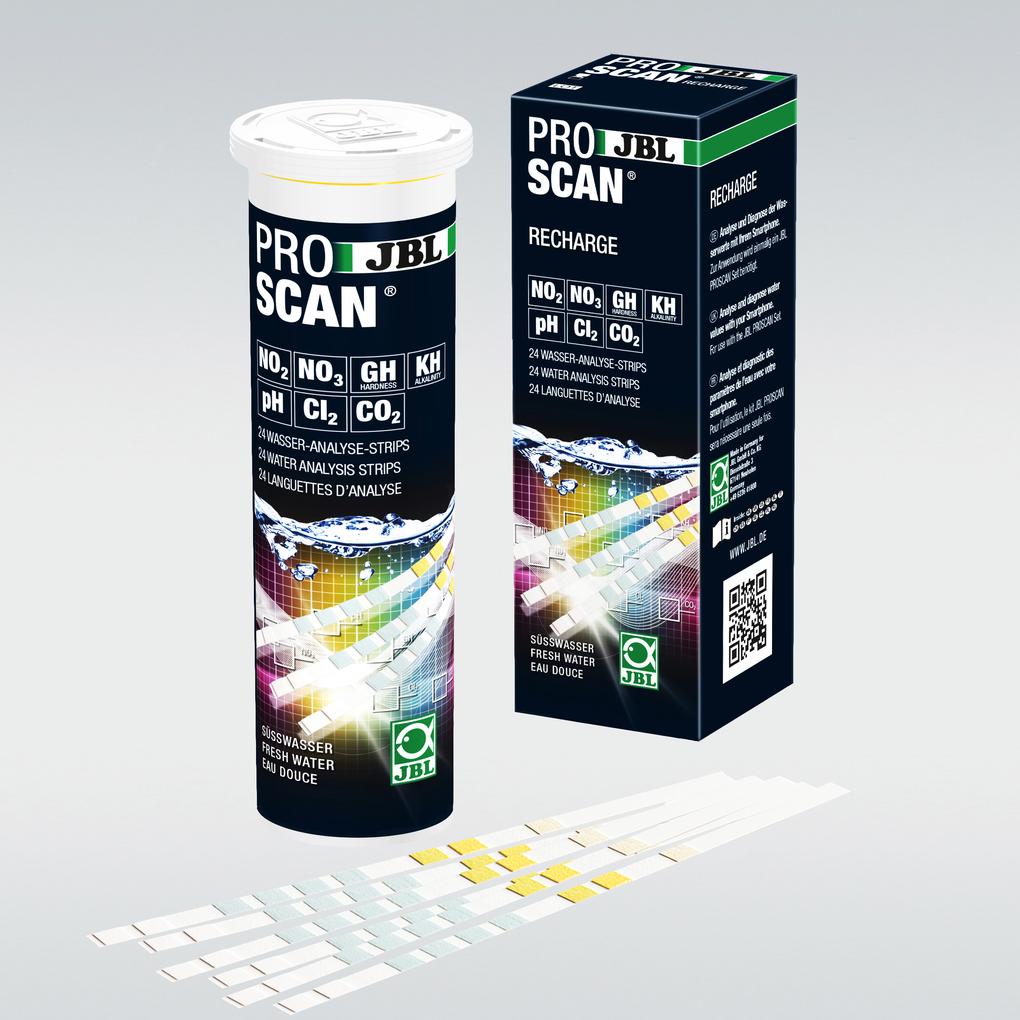
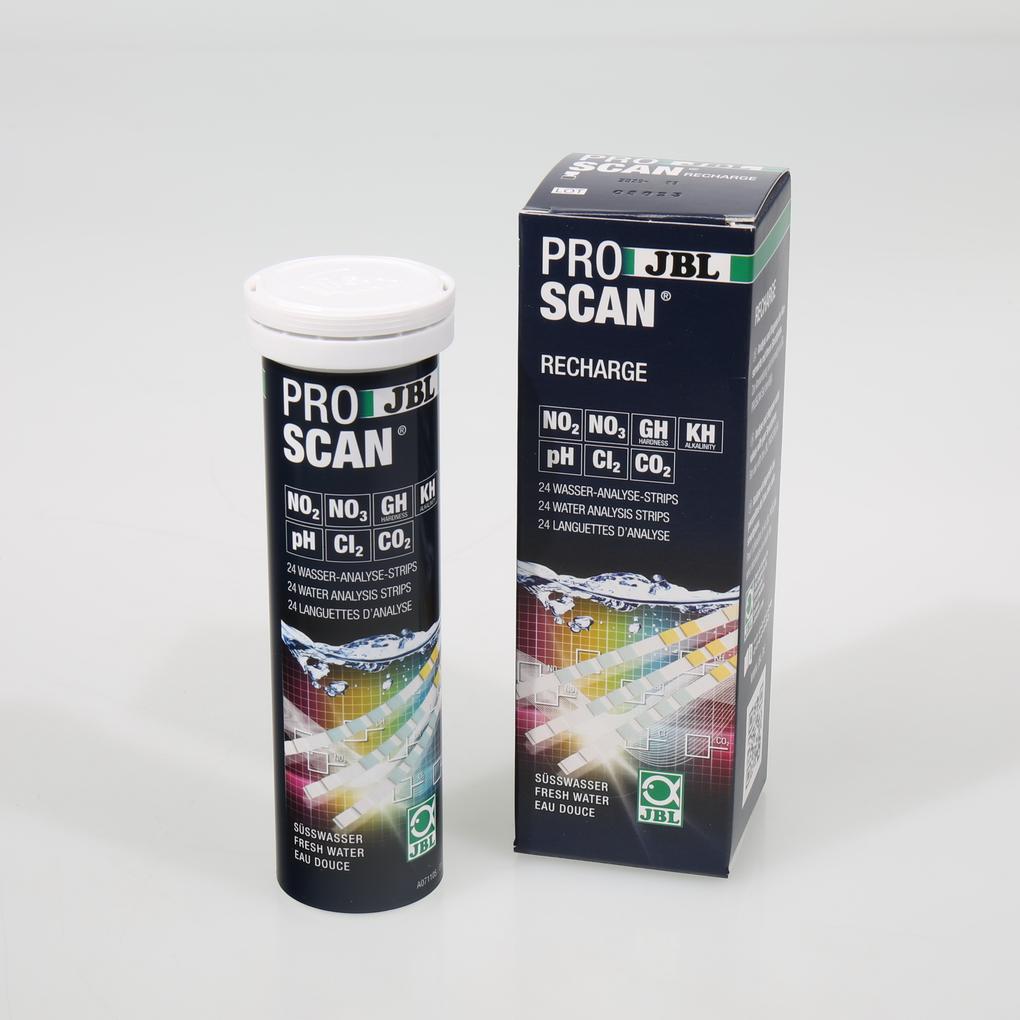
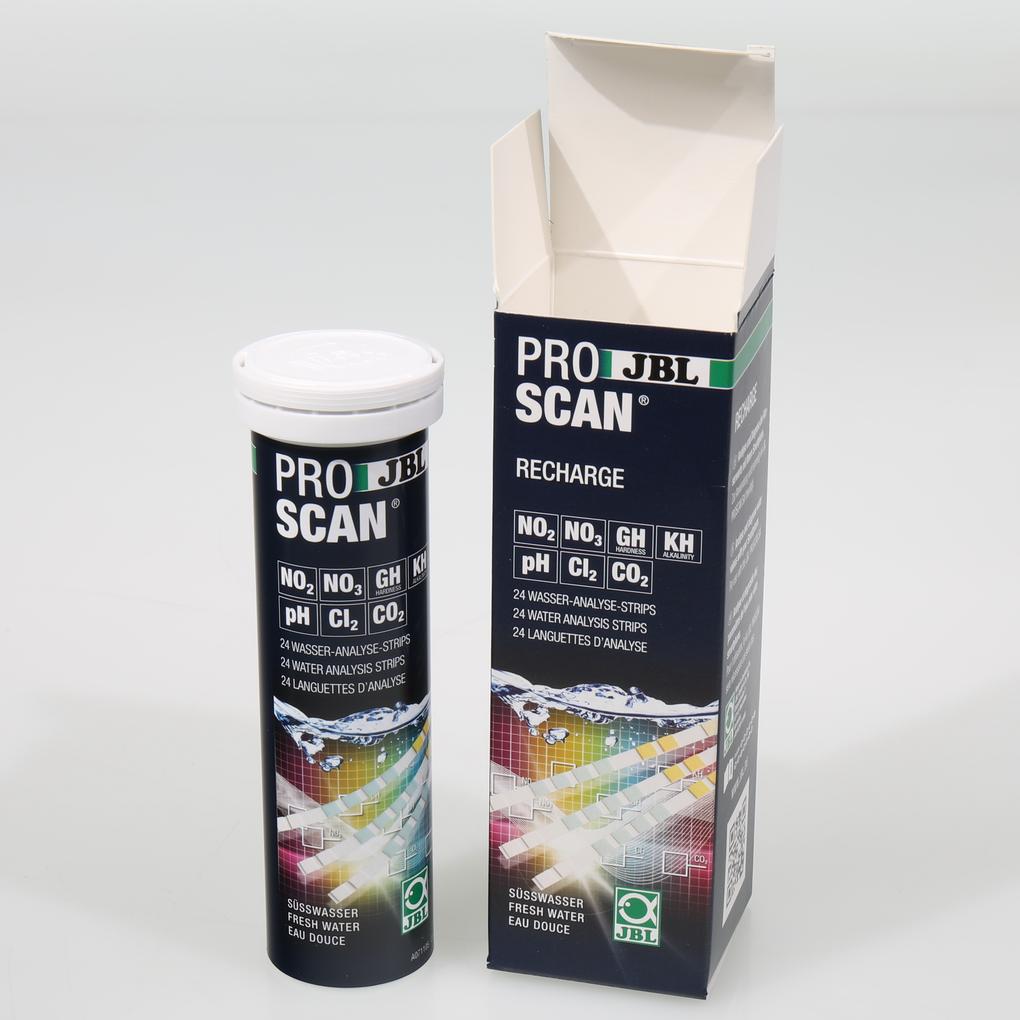
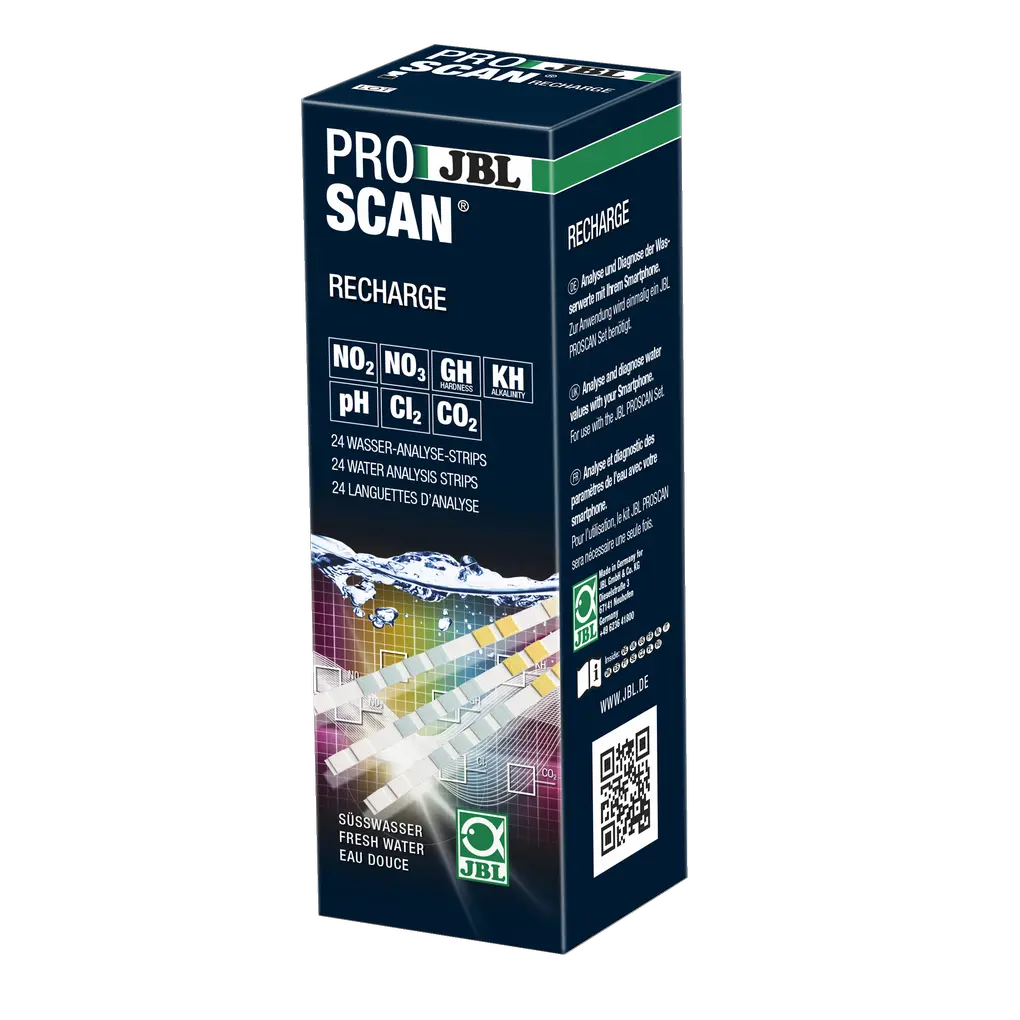
JBL PROSCAN RECHARGE

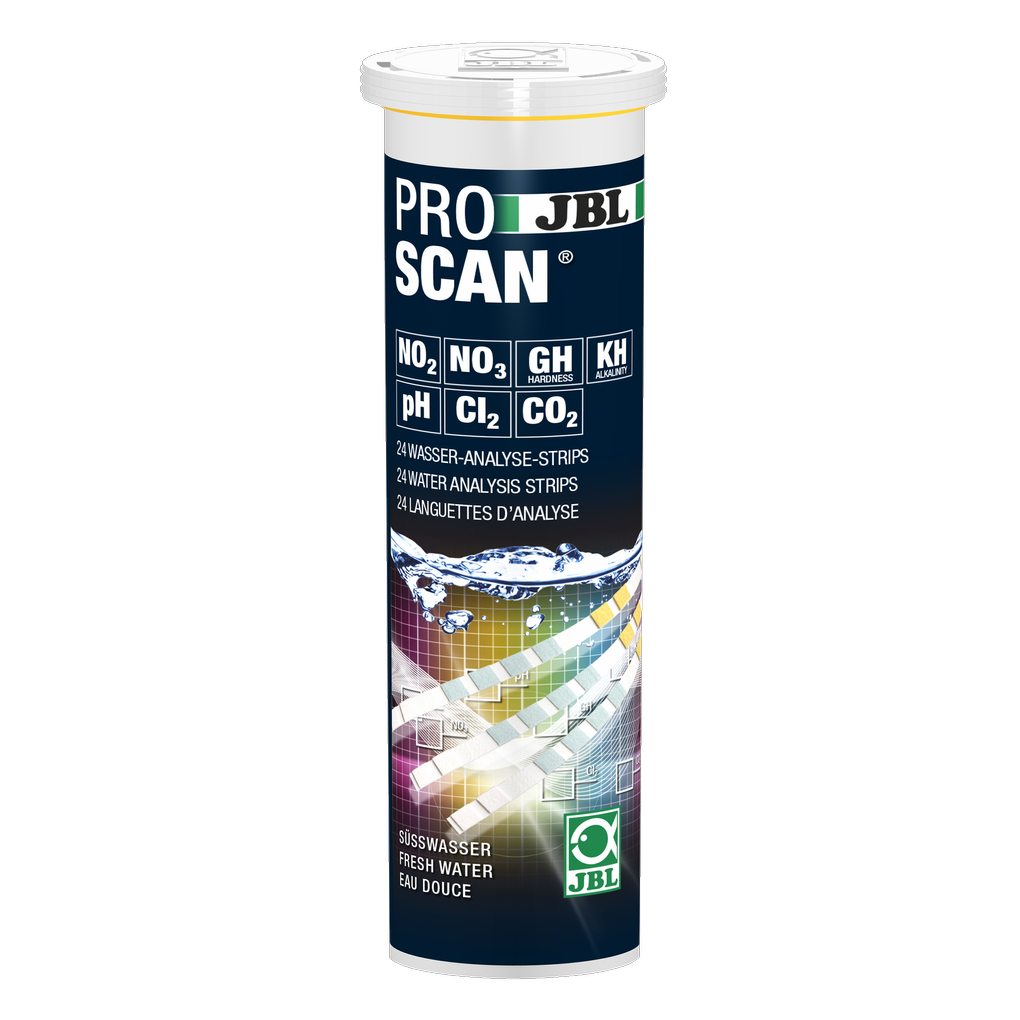
Water analysis and diagnosis via smartphone: Simple and reliable monitoring of water values in freshwater aquariums. Determination of: Total hardness, carbonate hardness, pH value, nitrite, nitrate, chlorine and CO2 calculation.
Item no. 2542100

22.94 EUR

Price incl. 17 VAT plus Delivery
In stock – delivered to you in 1-3 working days
Shop locator

Product features

  • Water analysis and diagnosis via smartphone: easy and safe control of the water values in freshwater aquariums. For the measurement of: general hardness, carbonate hardness, pH value, nitrite, nitrate, chlorine and CO2 calculation
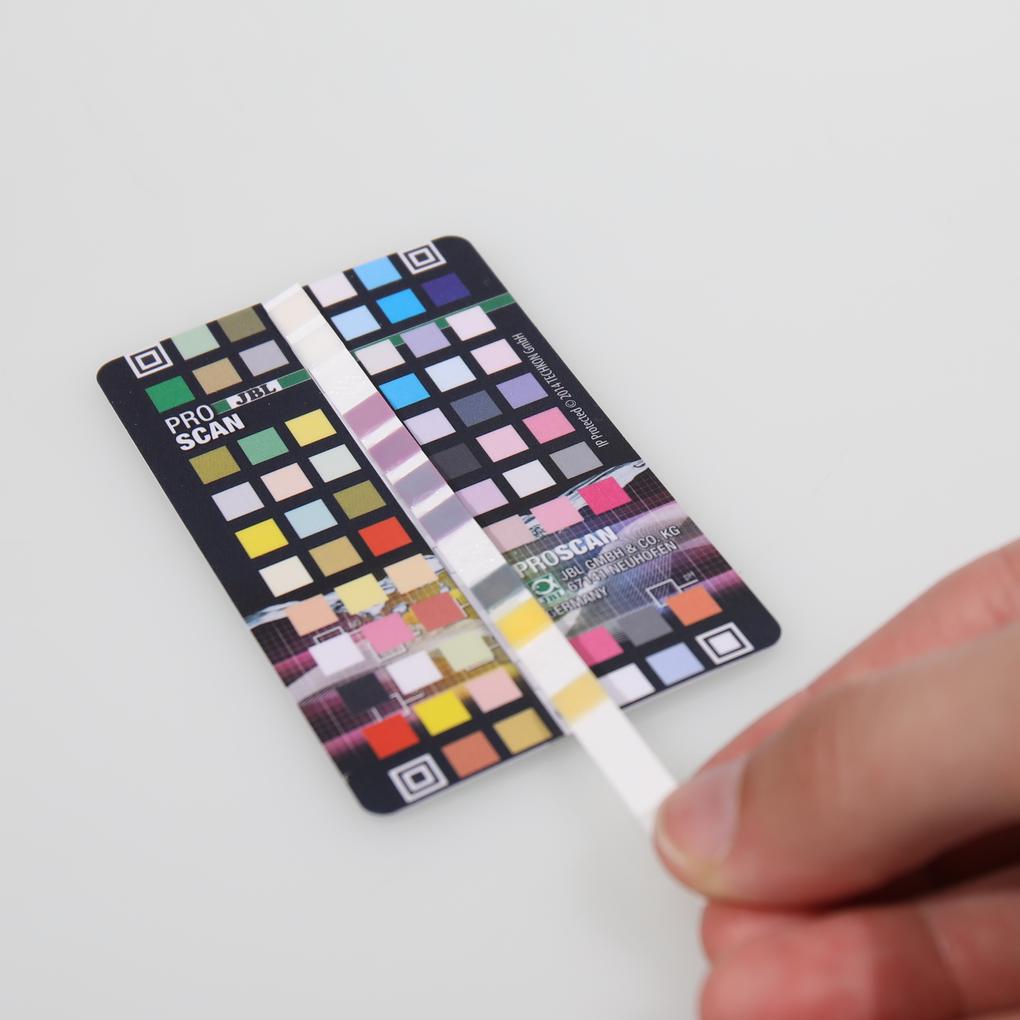
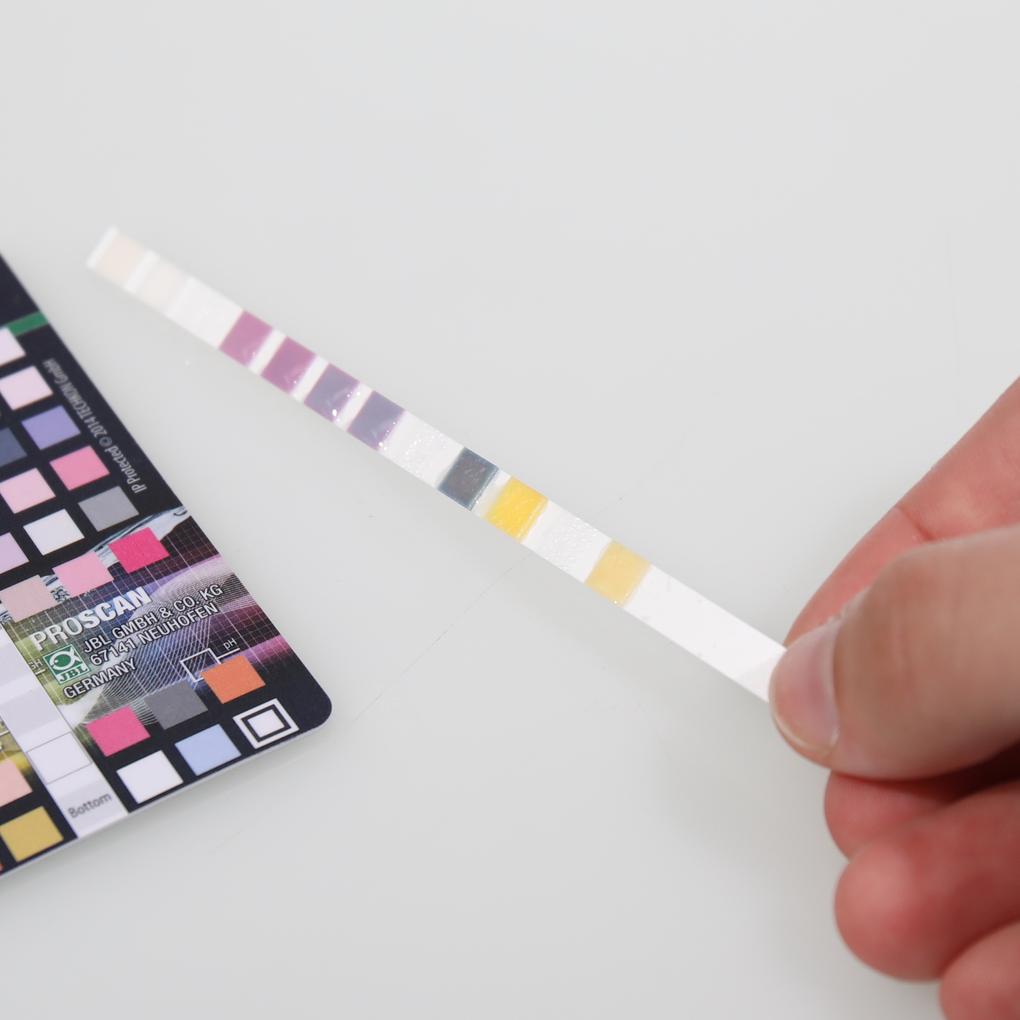
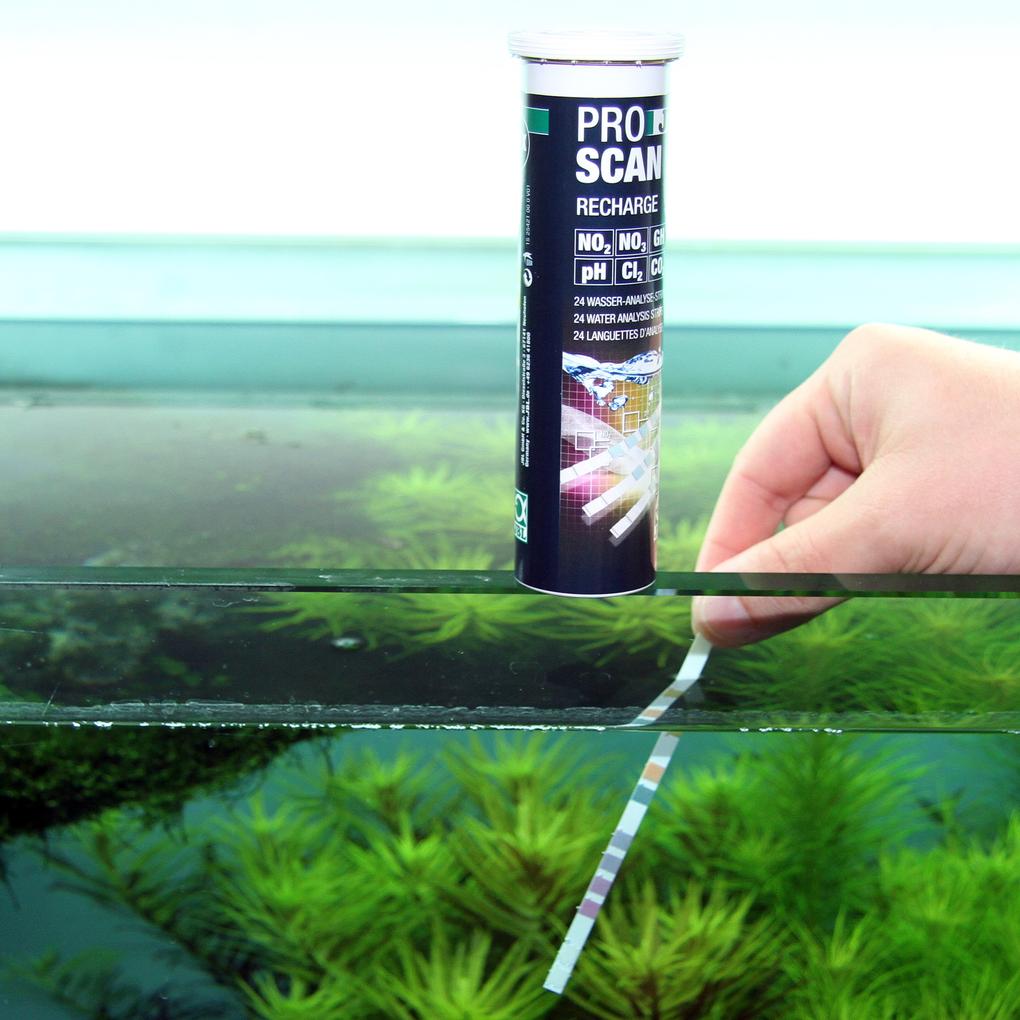
  • The new generation of water analysis: download ProScan app free of charge, insert test strip into aquarium water, position strip on colour chart for analysis, scan colour chart, values are determined
  • Fast diagnosis – precise results: test value results are displayed as numbers and additionally evaluated (good/medium/poor). Additional recommendations for optimal values in freshwater aquariums and ponds
  • Compatible with iPhone and iPad: Requires iOS 13.0 or later, Android version 10.0 or later, and a camera with autofocus
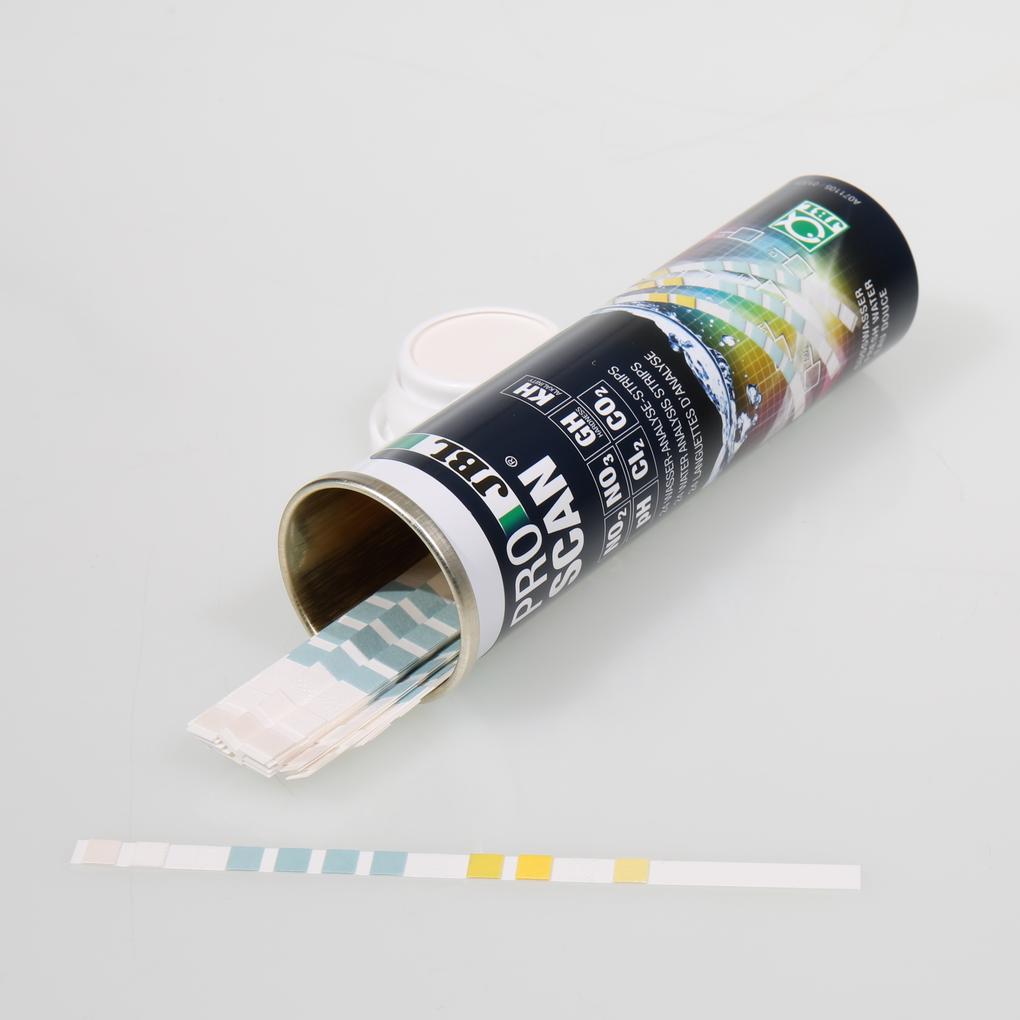
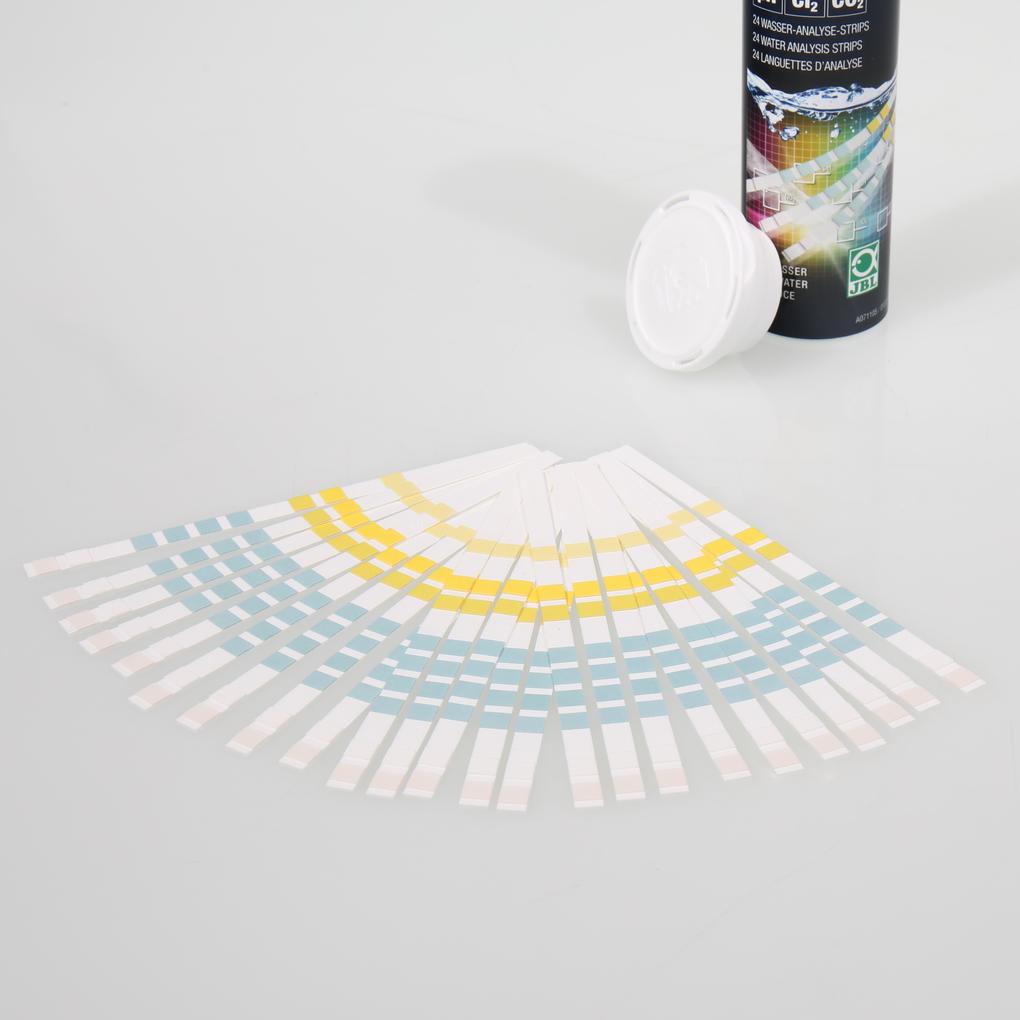
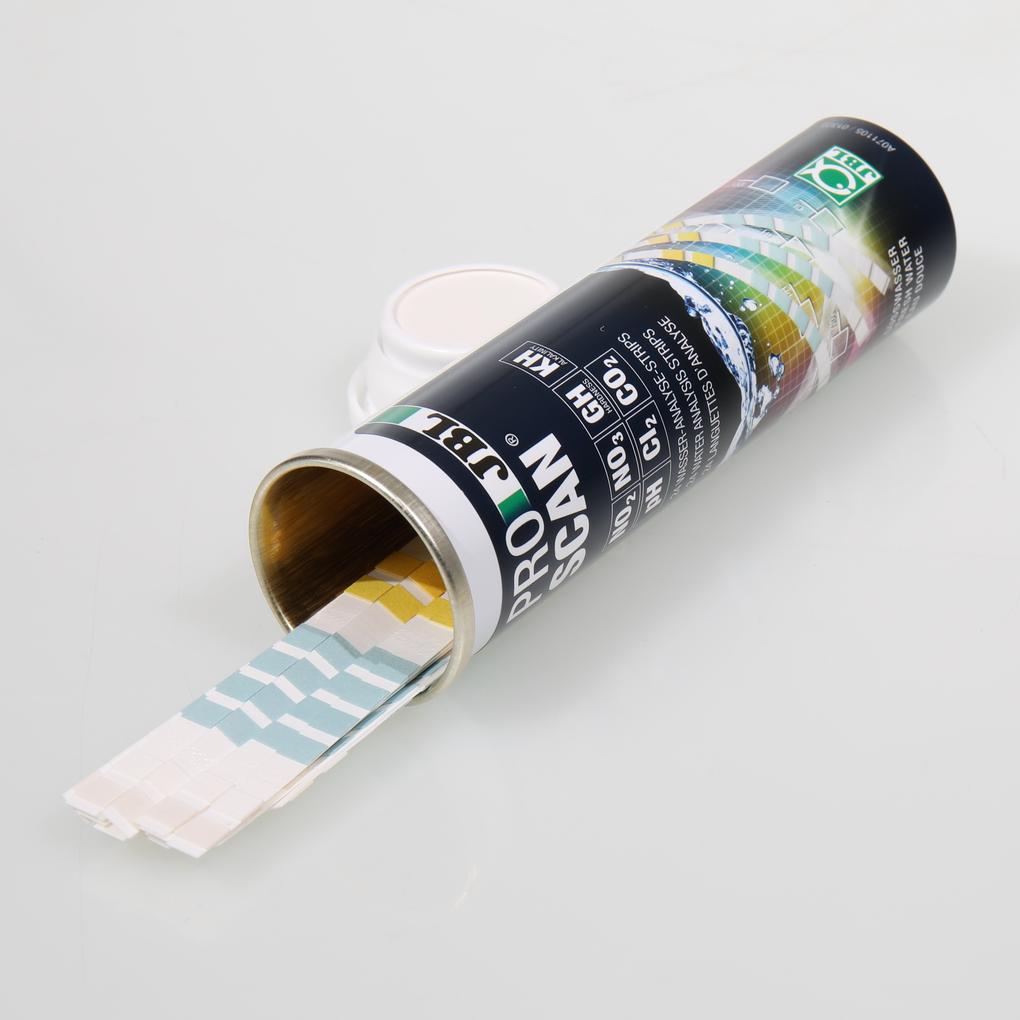
  • Contents: 1 pack ProScan Recharge with 24 water analysis strips

Noch offene Fragen?

In unserem FAQ‑Bereich findet ihr Antworten auf die am häufigsten gestellten Fragen. Solltet ihr hier nicht fündig werden, zögert bitte nicht, uns direkt zu kontaktieren – wir helfen euch gerne weiter.

  • How can I store the measurement values?

    You can store the measured values as an image with the button „Share” or you can send them to yourself by SMS or email. If you are already registered and logged in, the app also gives you the opportunity to display the analysis of the last measurement. All you have to do is click on "Save" on the results page.

    War diese Antwort hilfreich?
  • Does the test also work correctly in osmosis and distilled water?

    In weakly buffered solutions such test methods can’t deliver reliable test results for pH values. _x000D_ Further parameters, such as NO3, NO2, GH, KH und Cl are not affected by this. But the calculations of the CO2 content can here also lead to incorrect values.

    War diese Antwort hilfreich?
  • Why don’t the water values match my JBL drop count test?

    Each test has a fixed scale, which enables the allocation of the water values. For example the steps in a drop test are different to those of the ProScan. Therefore ProScan also has a scale to enter the values and to avoid jumps at repeated measurements. Bigger differences between the values mostly indicate an incorrect reading caused by shades/reflections. Best is to carry out the test near a window with bright light. Direct light from above casts shadows or reflections which can affect the colour rendering. Please remember ALWAYS to shake the water off the analysis strip sideways. “Puddles” can cause the colour fields to react with each other and to produce reflections._x000D_ Incorrect values can occur through expired drop tests too (i.e. tests which have been open for more than 9 months) or incorrect use (with air-filled drops and deviating water quantities). In this case please check your measurements once more. _x000D_ _x000D_ One example: _x000D_ The aquarium has the following water values: 18 mg/l NO3, 0.5 mg/l NO2, 5° dGH, 7 mg/l CO2, 1.5° dKH, 6.8 pH. _x000D_ _x000D_ The measurements with the different systems give the following values: _x000D_ The ProScan shows following values: 18 mg/l NO3, 0.5 mg/l NO2, > 4° dGH, < 15 mg/l CO2 (by way of calculation), 1.5° dKH, 6.8 pH. _x000D_ The drop test shows the following values: 20 mg/l NO3, 0.6 mg/l NO2, 5° dGH, 10 mg/l CO2 (by way of calculation), 2°dKH, 6.8 pH_x000D_ _x000D_ Both results are very precise and differ only slightly from each other. This has no negative effect on further statements and actions. Inaccuracies in the application have a greater effect on the results than jumps resulting from the scale. Finer scaling steps could result in an inability to allocate the results exactly to the same measuring points when there is some divergence of light and distance in the surroundings. This would cause the values to jump again in a repeated test.

    War diese Antwort hilfreich?
  • Unequal consumption of individual water test reagents

    The liquids of one reagent are empty, the powder is still half-filled. Can't you just buy individual bottles? No, because the JBL refill packs always contain all the reagents as a set and need to be replaced together. There is a reason for this. The reagents age when they are first opened and should therefore be disposed of completely as soon as one of the reagent bottles is empty. The unequal consumption is due to the fact that some test procedures require an individual number of drops, depending on the existing value in the aquarium water. So one needs more, the other less. The liquids can be emptied completely. In the case of powder, you cannot use the quantity you need if there is only a residual amount left. Thus the quantity is on the generous side, so that the range is ensured even with low liquid consumption.

    War diese Antwort hilfreich?
  • Will the ProScan app have any new features in the future?

    JBL ProScan is being developed continuously. We will add new functions and features to the app at regular intervals to make water analysis even easier. Always upload the latest version from the Store.

    War diese Antwort hilfreich?
  • Can I also use the EasyTest strips?

    JBL ProScan Recharge are special digital analysis strips which have been designed for the ProScan app. They enable a detailed and precise evaluation in small scaling steps. JBL undertakes no guarantee for the correctness for the use of the EasyTest 6in1 strips. These have definitely less fine scaling steps and are not suitable for reliable measurement analysis. They are therefore incompatible.

    War diese Antwort hilfreich?
  • Can I also use it in saltwater?

    JBL ProScan is not designed for use in saltwater. The scales of measurement and recommendations inside apply only to freshwater.

    War diese Antwort hilfreich?
  • Why am I getting the message „measurement not possible“

    Please make sure that the ProScan analysis strip is correctly aligned. This means that the measurement fields are placed at the word “Top” on the ColorCard. “Bottom” indicates that side of the analysis strip, which you are holding in your hand. _x000D_ When reading the ColorCard the whole card should always be visible in the recording window. A slight margin all around will ensure that the “corner points” can be focused._x000D_

    War diese Antwort hilfreich?
  • Why doesn’t ProScape work on my mobile?

    In order to determine the photometric measuring results accurately ProScan needs a camera with autofocus. This is the only way to determine the results with maximum precision. Not having one could prevent you from downloading the app from the store. Moreover the app requires the Android version 7.0 or higher or iOS 13.0 or higher. It is compatible with iPhone, iPad and iPod touch, as well as with 5100 Android smartphone and tablet types. If the download in the store doesn’t work, your mobile is probably incompatible with one of the above mentioned points. If there are any problems during use, e.g. with the scanning, please contact our customer service team: www.jbl.de/en/support .

    War diese Antwort hilfreich?
  • How do I report a new error?

    JBL ProScan is being developed continuously. We will repair bugs and small errors which can be caused by software updates as soon as we can. To help us in this, we request a short email to socialmedia@jbl.de with the software version, device name, designation of the smartphone and a description of the errors with words and pictures.

    War diese Antwort hilfreich?
  • Why do I get an error message that the test strip is not correctly aligned?

    In the operating system of your smartphone there is a resource management. This also manages your camera. Because other apps are accessing the camera too, it can occasionally happen after use that a new access is not granted and therefore a blockage can occur. As result you receive an error message from your ProScan app despite a correctly aligned analysis strip. Especially after an update you can find the resource “camera” blocked for further apps, including JBL ProScan. _x000D_ _x000D_ In many cases the solution is quite simple: Close all the apps in the background on your task manager. Now restart your smartphone and open JBL ProScan as your first app. Carry out the scan again. By closing and restarting all the resources will be released. If the error still occurs, the test strip is not correctly aligned on the ColorCard. You can also test the app is working by carrying out a test scan without an analysis strip and using the empty ColorCard.

    War diese Antwort hilfreich?
  • Increased chlorine values due to moisture damage

    A loose seal may result in an indication of positive false chlorine values occurring with the following batches of the ProScan Recharge test strip sets: 421141; 44114; 42114; 43114 and 11035. _x000D_ _x000D_ If you have purchased your ProScan within the last 6 months, we will send you a refill pack free of charge. Please remember the test strips can be damaged by humidity through a longer service life and frequent use. A package (24 test strips) should therefore be used within 9 months. Converted into use this means that you should carry out a water test every 1.5 weeks.

    War diese Antwort hilfreich?
  • Why can't I register / log in to the app anymore even though my data is correct?

    Please use your username and password to log in to the app. The email address will not be accepted as username. Make sure beforehand that you have already created a myJBL profile.

    War diese Antwort hilfreich?
  • Why can only the last 5 measurements be viewed in the web after changing devices?

    The data exchange between the ProScan app and your JBL online profile is unidirectional. That means that the communication only works in one direction, namely from the app to your JBL account. All aquariums, ponds and waters and their relevant measurements are saved there under “My Analyses”. _x000D_ That’s why the last 5 measurements are no longer visible on the app after a change of the smartphone or tablet since they are only locally on one device. The measurements from your tablet are not located on your smartphone and vice versa. In the next months we will extend the interface and initiate a bidirectional data reconciliation. Thus the communication between all devices will be possible and the profiles of the waters won’t need to be created several times.

    War diese Antwort hilfreich?
  • After using the ProScan app my JBL account is locked

    Please log out from the ProScan app. Either ask the help desk to unlock your account or change your password. Now you can register again to return to the app. _x000D_ Why did it happen? Old unsynchronised measurements are being transferred with the old access data. The app offers a data reconciliation in the background. After repeated data reconciliation attempts your access gets blocked for security reasons. Please do not change your data until all the measurements have been transferred from the app. _x000D_ The easiest way to prevent such problems when changing the access data is to log out from the app.

    War diese Antwort hilfreich?
  • Can the 1200g disposable cylinder also be used with the older JBL CO2 systems?

    Yes, this is possible without any problems. The JBL PROFLORA CO2 CYLINDER 1200 U also fits the older pressure reducers of the JBL PROFLORA u range.

    War diese Antwort hilfreich?

Antwort nicht gefunden?

Stelle deine Frage an das JBL Service Team.

Information and consent to cookies & third-party content

We use technically necessary cookies/tools to offer, operate and secure this service. Furthermore ,with your express consent , we use cookies/tools for marketing, tracking, creating personalised content on third-party sites and for displaying third-party content on our website. You can revoke your consent at any time with effect for the future via the menu item ‘Cookie settings’.
By clicking on ‘Allow all’, you give us your express consent to the use of cookies/tools to improve the quality and performance of our service, for functional and personalised performance optimisation, to measure the effectiveness of our ads or campaigns, for personalised content for marketing purposes, including outside our website. This enables us to provide personalised online ads and extended analysis options about your user behaviour. This also includes accessing and storing data on your device. You can revoke your consent at any time with effect for the future via the menu item ‘Cookie settings’.
You can use the ‘Change settings’ button to grant and revoke individual consent to the cookies/tools and receive further information on the cookies/tools we use, their purposes and duration.
By clicking on ‘Only absolutely necessary’, only technically necessary cookies/tools are used.

Our data protection declaration tells you how we process personal data and what purposes we use the data processing for.
PUSH messages from JBL

What are PUSH messages? As part of the W3C standard, web notifications define an API for end-user notifications that are sent to the user's desktop and/or mobile devices via the browser. Notifications appear on the end devices as they are familiar to the end user from apps installed on the device (e.g. emails). Notifications appear on the end user’s device, just like an app (e.g. for emails) installed on the device.

A notification makes it possible to inform the user about an event outside the context of a website, such as a new blog post, a competition or a voucher.

These notifications enable a website operator to contact its users whenever they have a browser open - it doesn’t matter whether the user is currently visiting the website or not.

To be able to send web push notifications, all you need is a website with a web push code installed. This allows brands without apps to take advantage of many of the benefits of push notifications (personalised real-time communications at just the right moment).

Web notifications are part of the W3C standard and define an API for end user notifications. A notification makes it possible to inform the user about an event, such as a new blog post, outside the context of a website.

JBL GmbH & Co. KG provides this service free of charge, and it is easy to activate or deactivate.