JBL LED SOLAR CONTROL
Archived
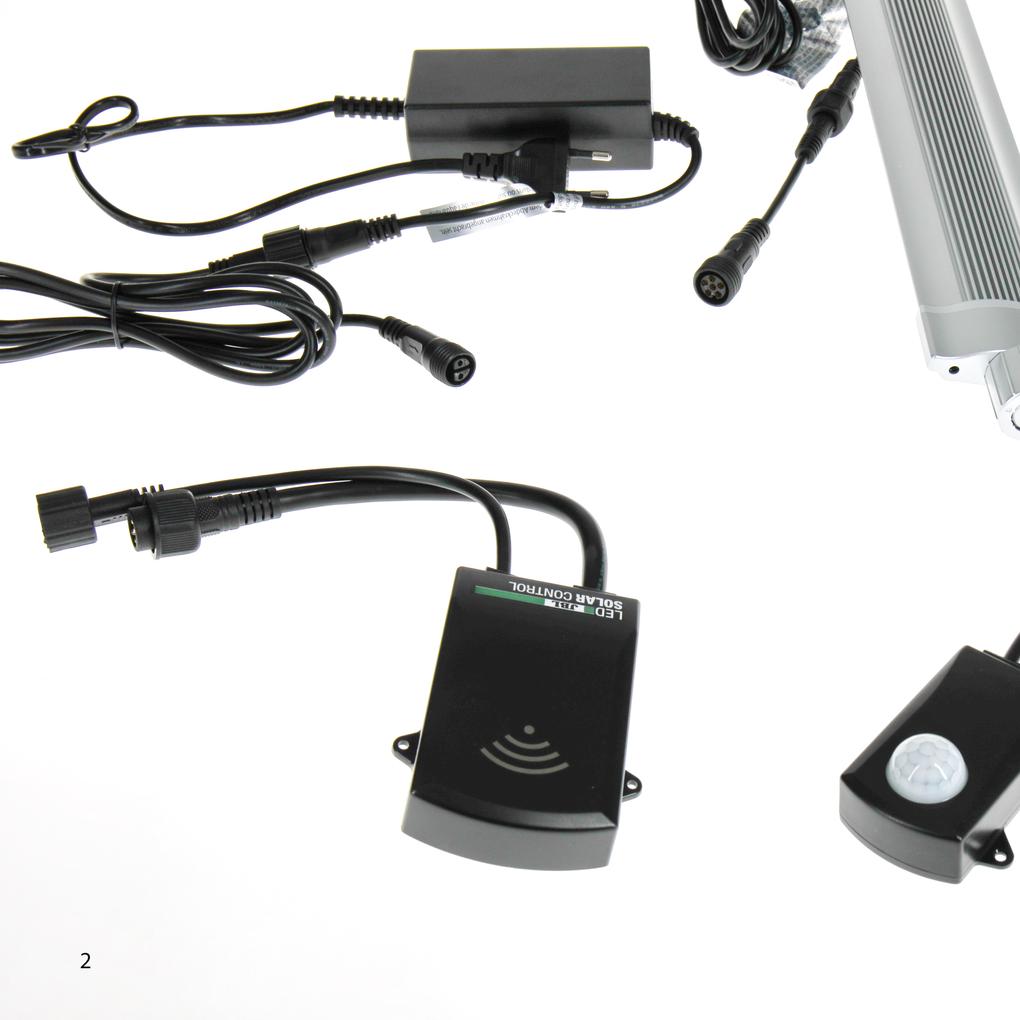
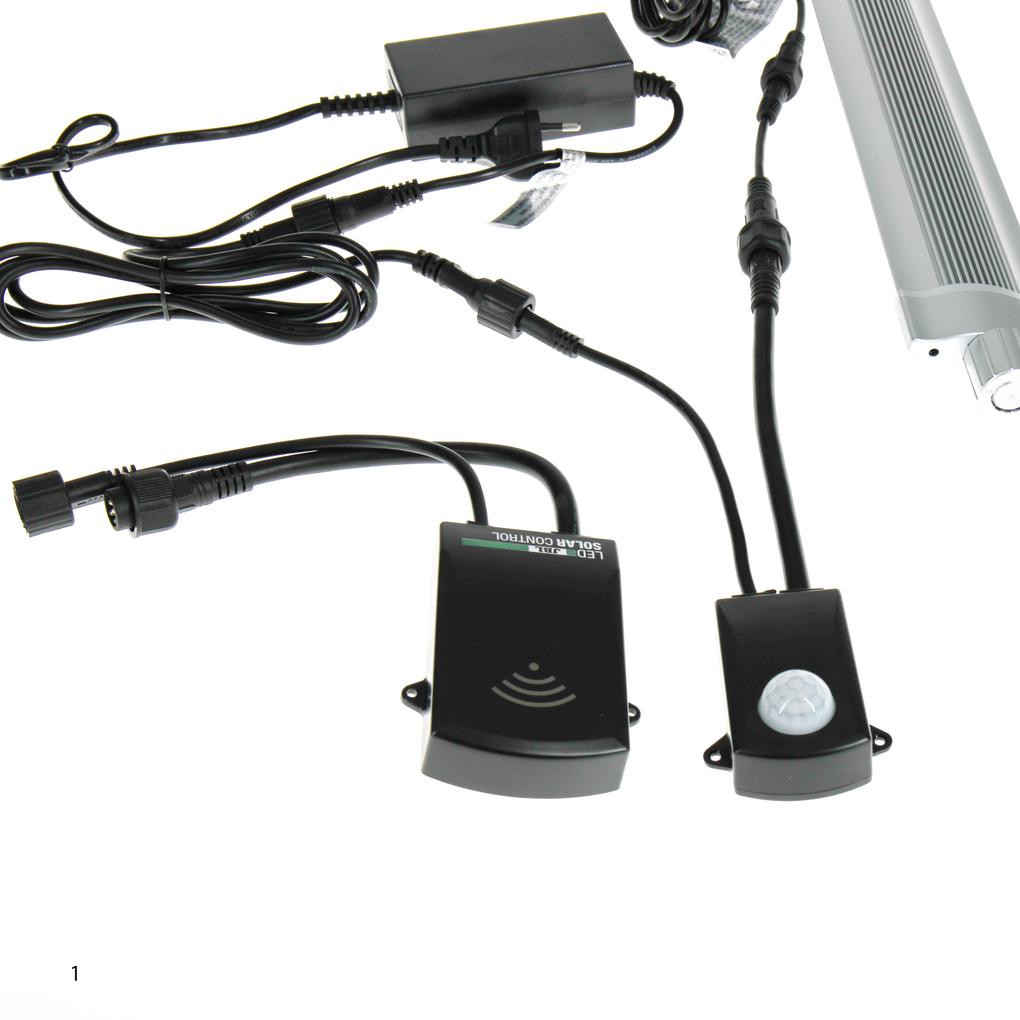
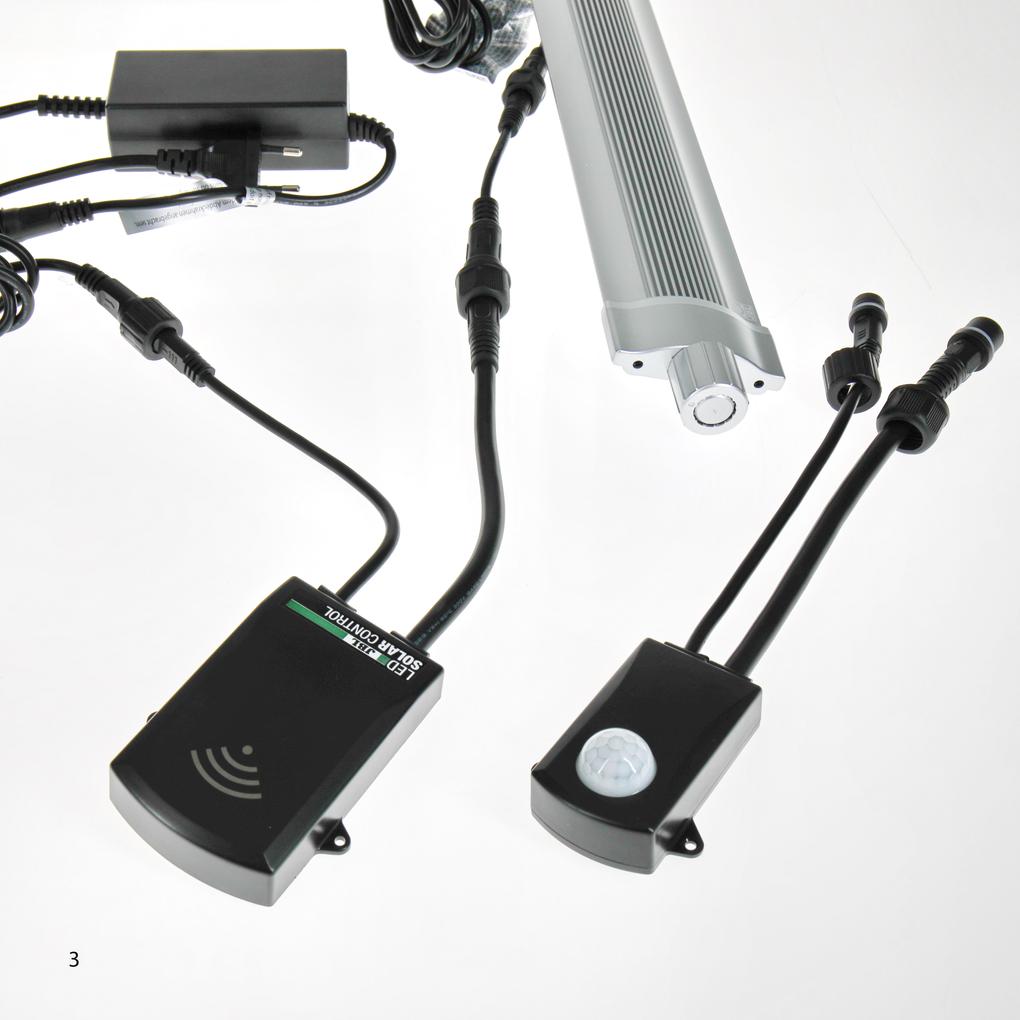
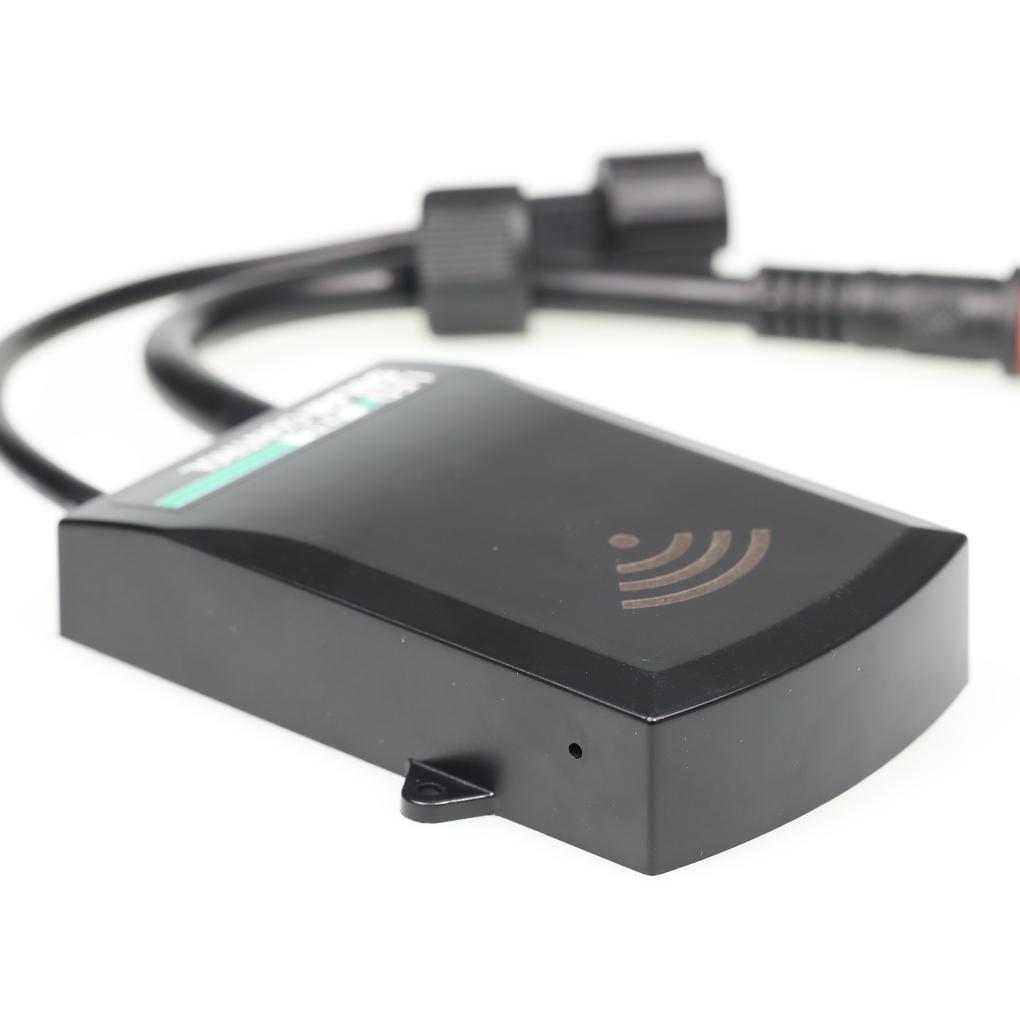
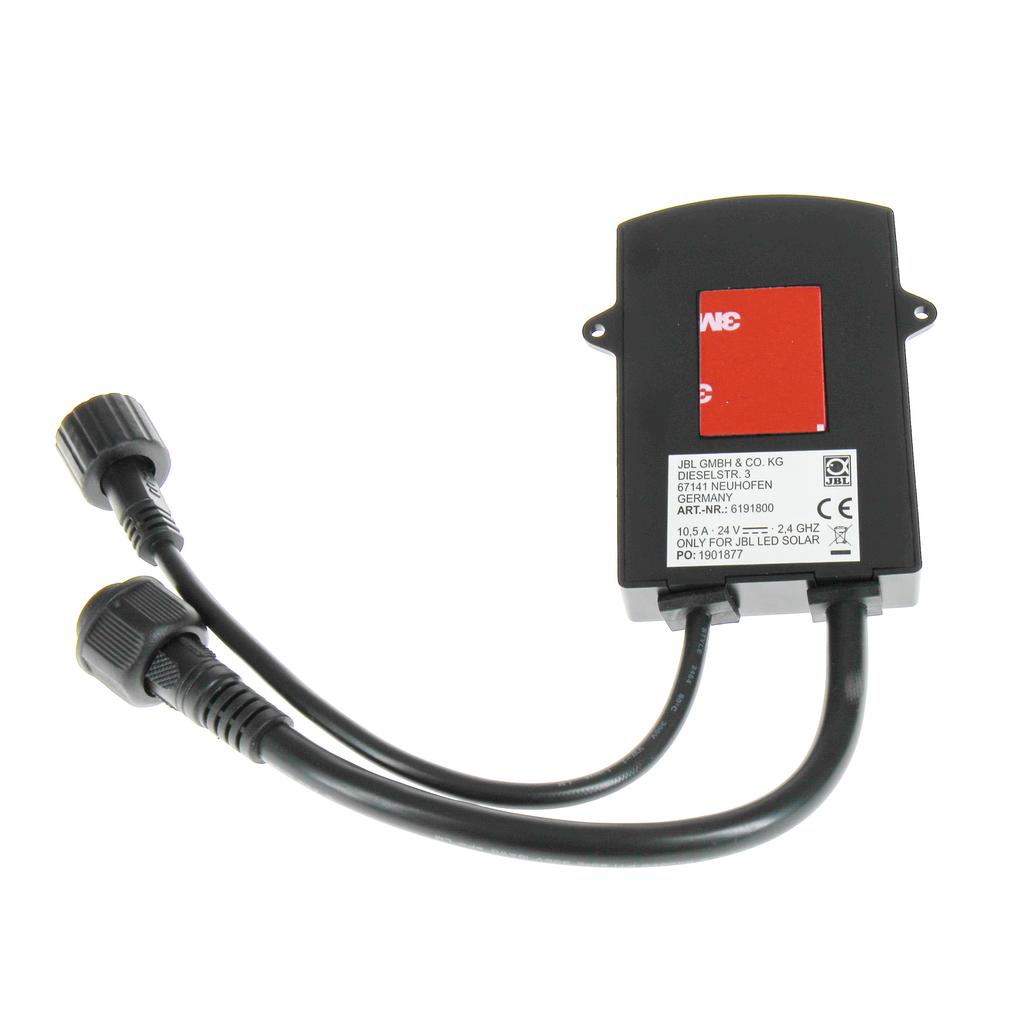
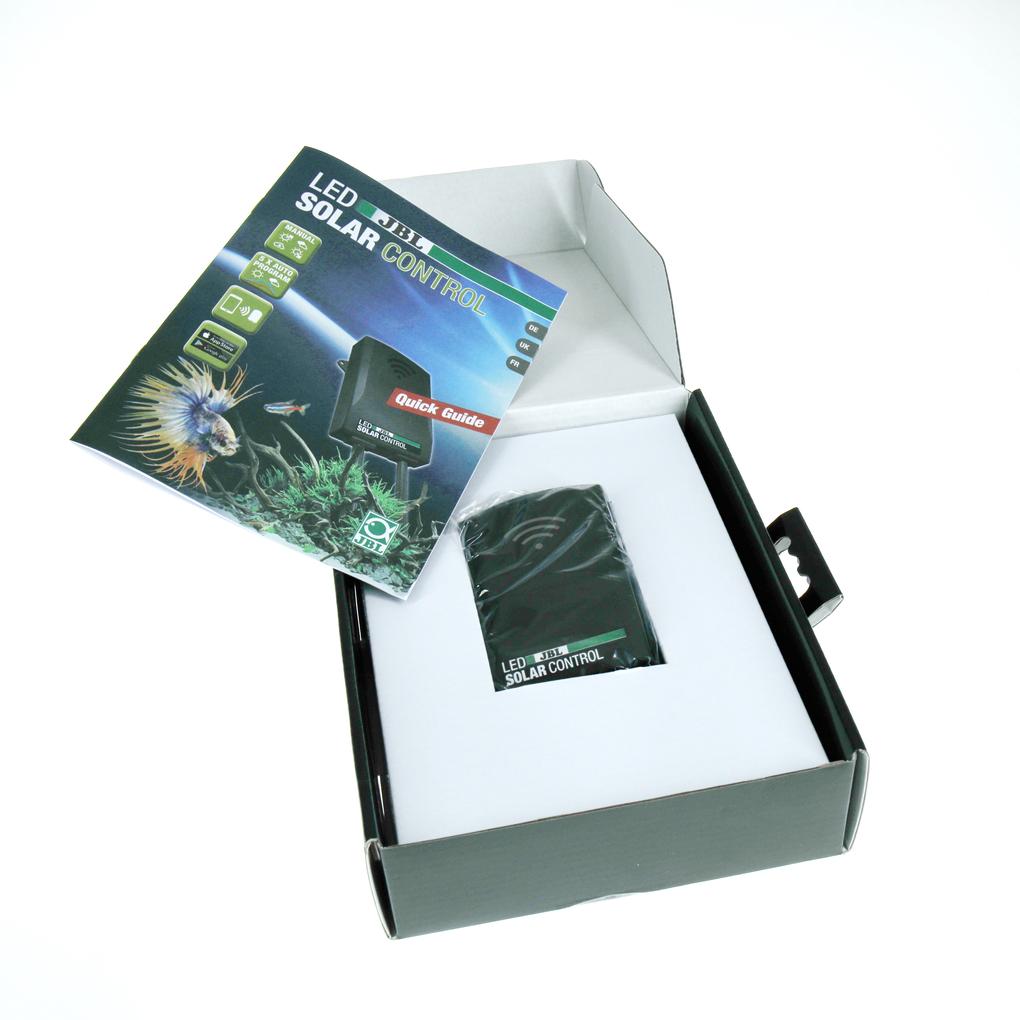
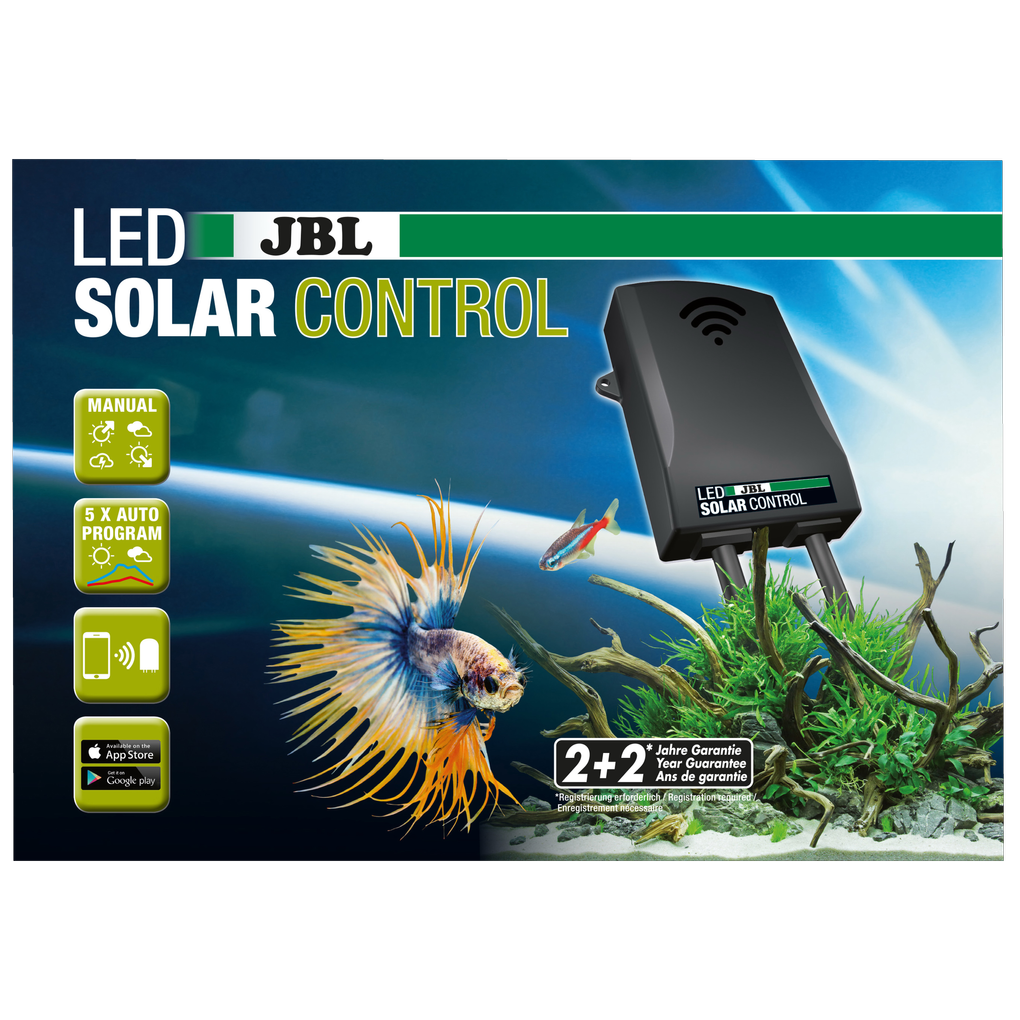
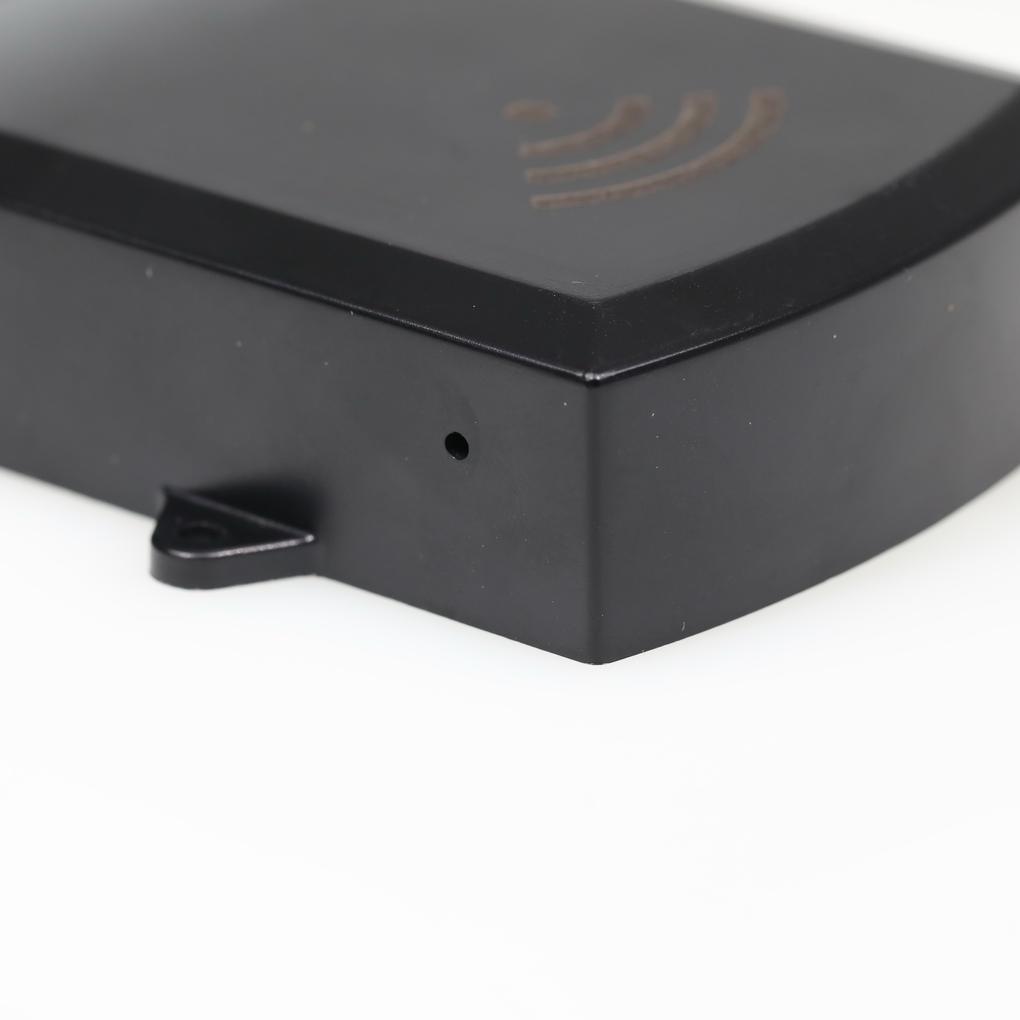
In unserem FAQ‑Bereich findet ihr Antworten auf die am häufigsten gestellten Fragen. Solltet ihr hier nicht fündig werden, zögert bitte nicht, uns direkt zu kontaktieren – wir helfen euch gerne weiter.
We recommend using the acclimatization mode after switching to JBL LED SOLAR technology. This is especially important if you are switching from conventional T8/T5 tube technology or very weak LEDs to this system. Unlike many other systems, one JBL LED NATUR is sufficient to provide your entire aquarium with enough light and encourage even demanding plants to grow vigorously. In short: it has power! Therefore, regardless of the theme aquarium you are using, you should select the acclimatization mode at the beginning to make it easier for your plants to adjust from their previous lighting with fluorescent tubes to the much brighter light of the LEDs without any problems. Of course, any program can also be selected without acclimatization.
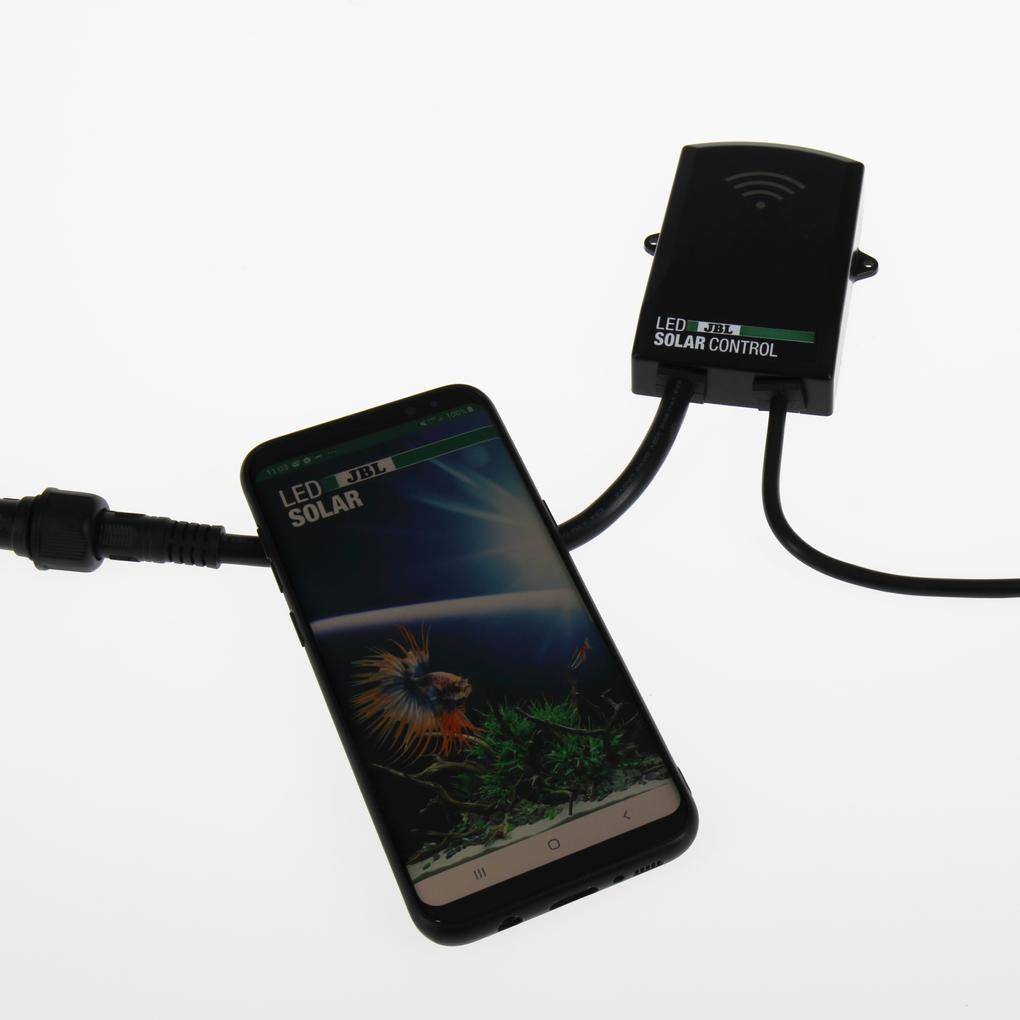
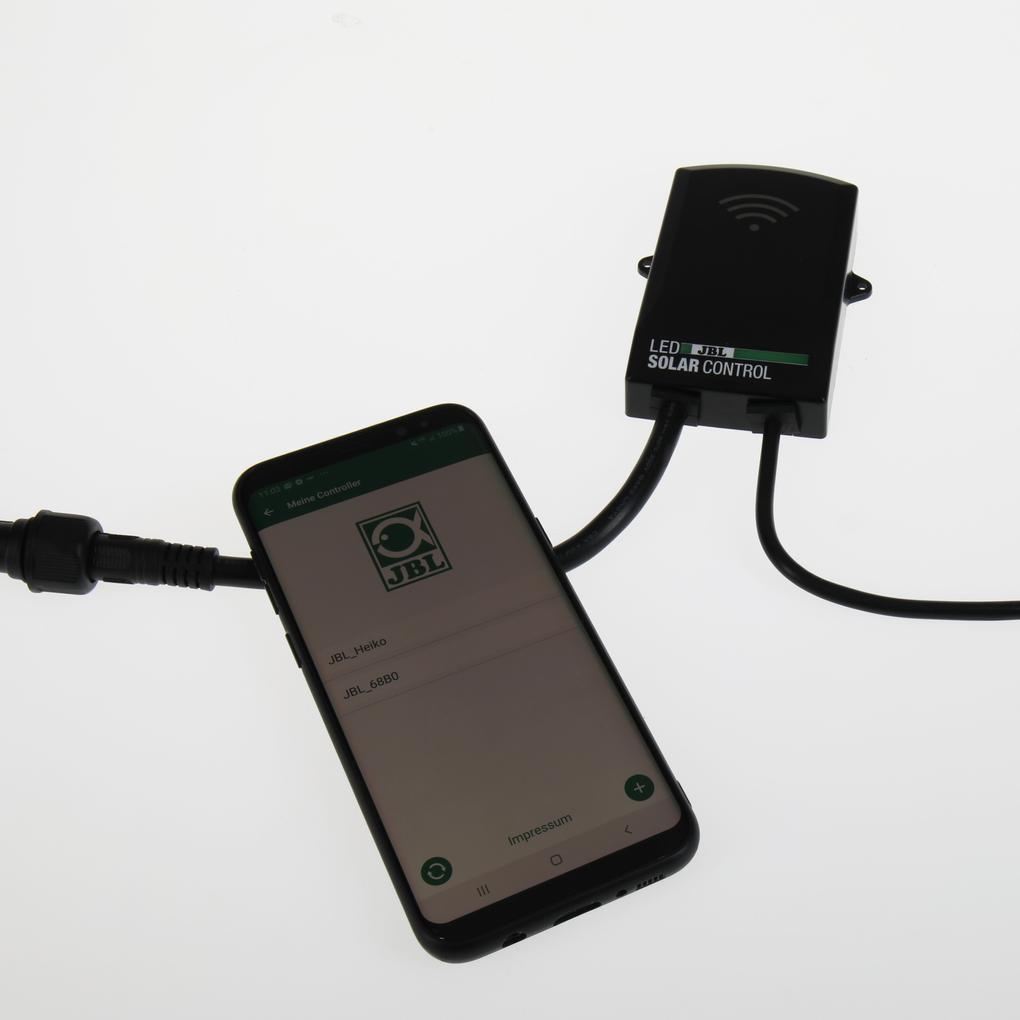
First, go to the Wi-Fi settings on your smartphone. The quickest way to do this is to scroll down from the top of the screen and then press and hold the activated Wi-Fi icon. Tap on "Add network" and select the network in the format JBL_XXXX. The default password is 12345678 and should be changed later. Now switch back to the LED SOLAR app in the "My controllers" area and continue.
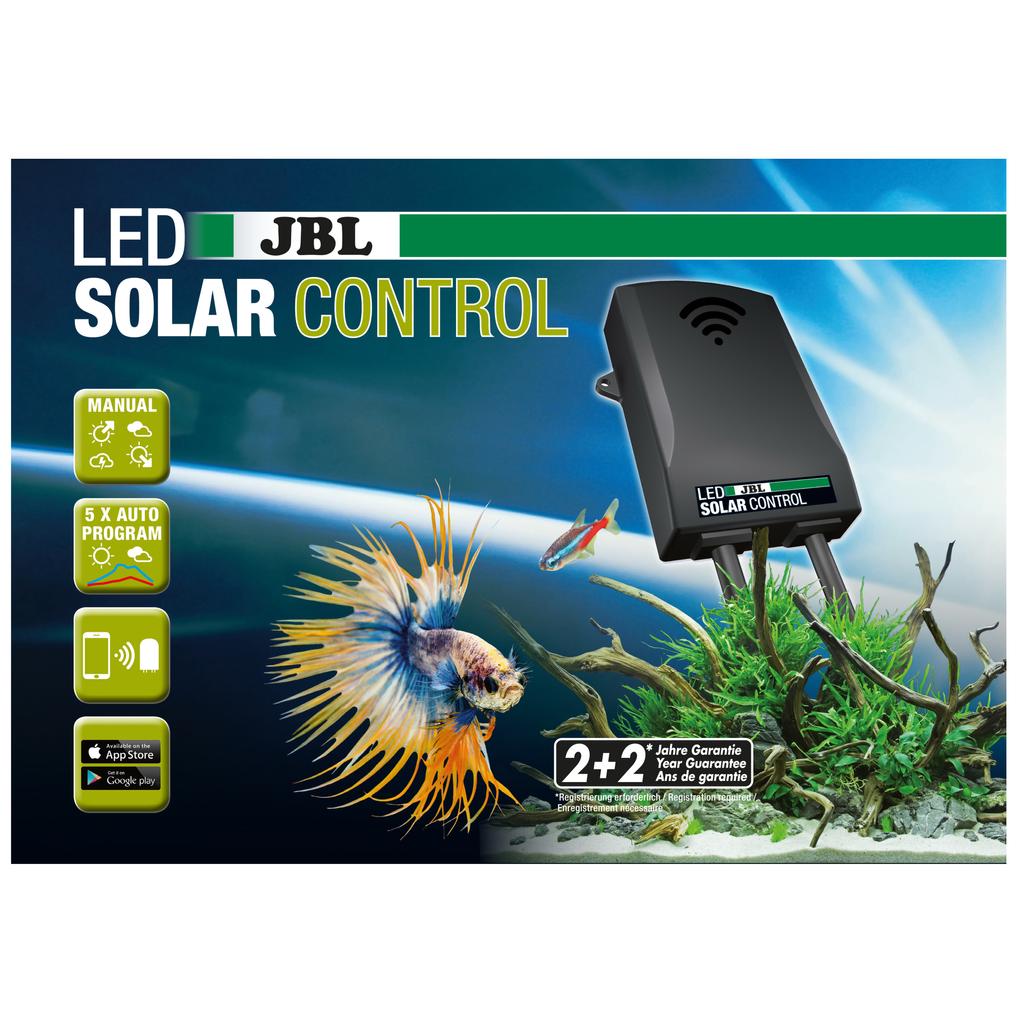
Whether in themed aquariums or in manual mode, during your lunch break or at sunrise or sunset, the LEDs always dim slowly. This provides your fish and plants with a natural light profile at all times, protects your LEDs and increases their service life.
This setting is for optimal control of all JBL LED SOLAR NATUR lengths. The setting should be updated each time the JBL LED SOLAR NATUR length is changed
Location sharing is only required to display available networks and can be disabled again after adding the controller or connecting it to your home network. Since your location can be calculated using nearby WiFi networks (WiFi-based location tracking), you must be informed of this and give your consent in accordance with Google's guidelines. The app does not retrieve any GPS data.
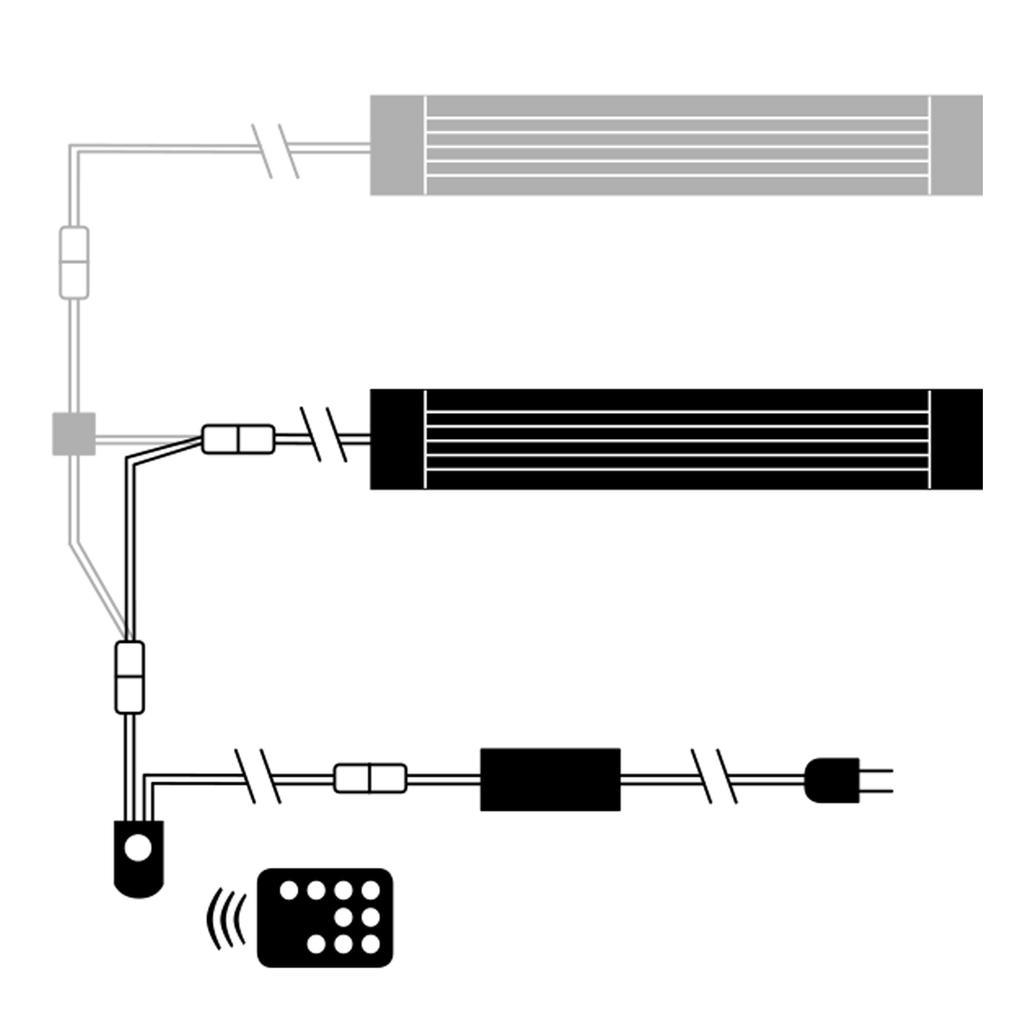
No, that is not possible. The cable splitter has space for one JBL LED SOLAR NATUR and one EFFECT.
You have the option of setting an additional lunch break for all themed aquariums. This lunch break does not extend the preset day with 10 hours of lighting. It simply switches off the light for the set time. This mode is recommended if you want to reduce the total lighting time for a short period due to problems (e.g. algae). We do not recommend using this mode in continuous operation, as nature provides a sufficient balance with adapted brightness levels. For aquariums that have been converted to JBL LED SOLAR technology, you should not use the lunch break for acclimatization, but rather the special acclimatization mode.
For themed aquariums, a running time of 10 hours per day is fixed. You can change the preset, natural start time and thus set your personal aquarium day. This gives you enough time to observe the fish, adapted to your daily routine. JBL does not recommend extending the lighting duration to more than 10 hours. This does not correspond to natural weather data (daily average) and is not beneficial for your aquarium and plants. If you still want lighting for more than 10 hours, you can set your desired day yourself in manual mode.
Yes, that is possible. However, for use with themed aquariums, we recommend combining NATURE and EFFECT to recreate the settings as closely as possible to the natural habitat. Without EFFECT, the settings for the themed aquariums will be adjusted accordingly. Operation without an LED SOLAR NATURE is not possible.
The error with "flashing at night" despite the function being deactivated was fixed on December 15, 2020 with the latest update. Simply download the latest version. If the flashing continues, you can simply reactivate the field and then deactivate it again, which will save the data in the controller.
In an older version of the app, under certain settings, a function was triggered in manual mode that caused the light to flash again after sunset. To resolve this issue, please follow these two steps: 1. Download the latest update from December 15, 2020, or newer. 2. Delete or clear your manual profile for the week on the controller and transfer it there. If you then recreate and transfer the profile, the error will be resolved.
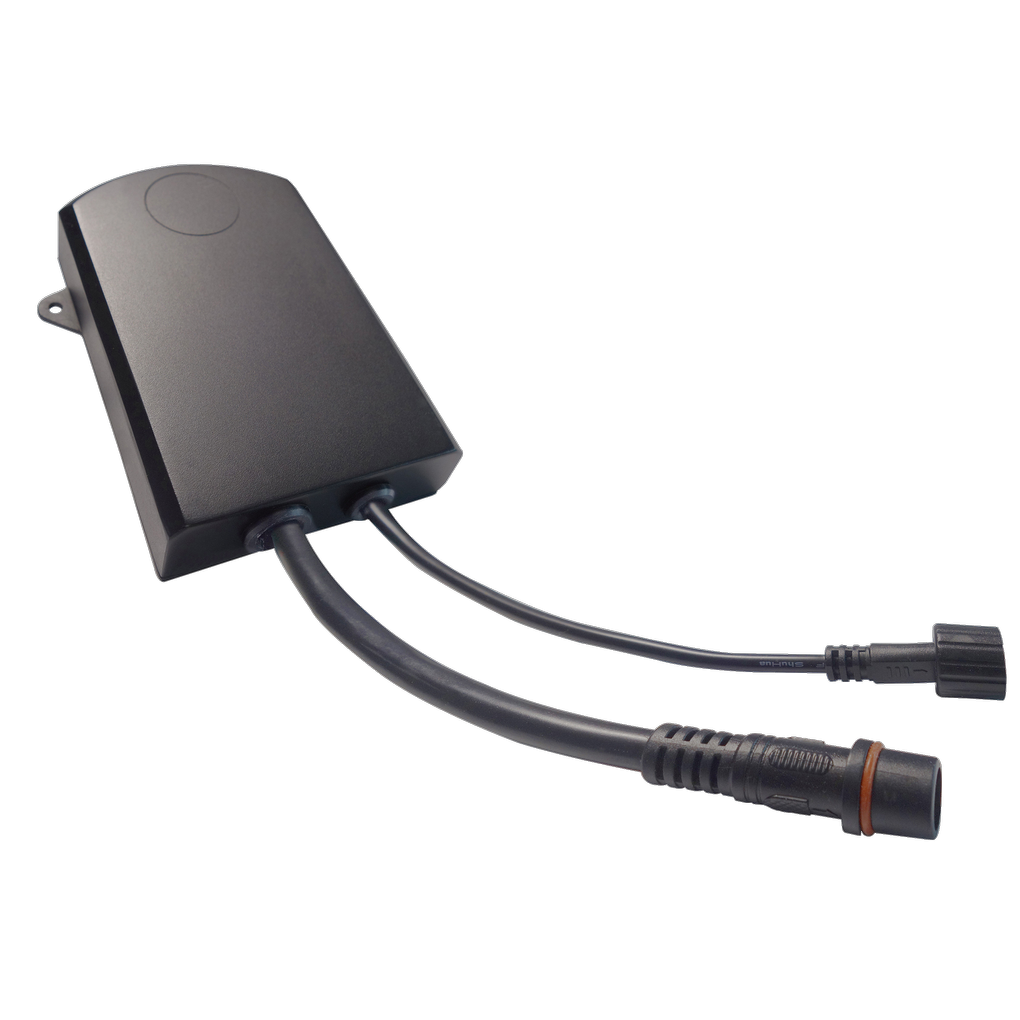
To restart the JBL LED SOLAR CONTROL, disconnect the controller's power plug from the power supply. Close the LED SOLAR CONTROL app via the task manager. Wait at least 60 seconds before reconnecting the device
The controller uses the time on your smartphone and does not have an integrated radio clock or time server, so the changeover does NOT happen automatically. After a time change, you only need to connect your smartphone to the JBL LED SOLAR CONTROL once to allow the controller to download the current time from your smartphone
As explained in another FAQ, the app requires location sharing to add a controller. Otherwise, connection problems will occur. If you have already enabled location sharing, the automatic network switch to a stronger Wi-Fi network nearby or to mobile data usage may be the cause. Check your settings to see which network your smartphone is connected to. (see images at the end of the FAQ). The reason for this is that some smartphones automatically connect to another network or the mobile network when there is no active internet access. Solution: If it looks similar to the screenshot above right with the red X, disable automatic network switching in the Wi-Fi settings (usually a gear icon). Another solution is to connect the controller to your home network as described in the instructions.
When using the JBL LED SOLAR with the IR receiver, you have 8 dimming levels. The JBL LED SOLAR CONTROL offers a wide range of settings that can be changed at programmed times throughout the day
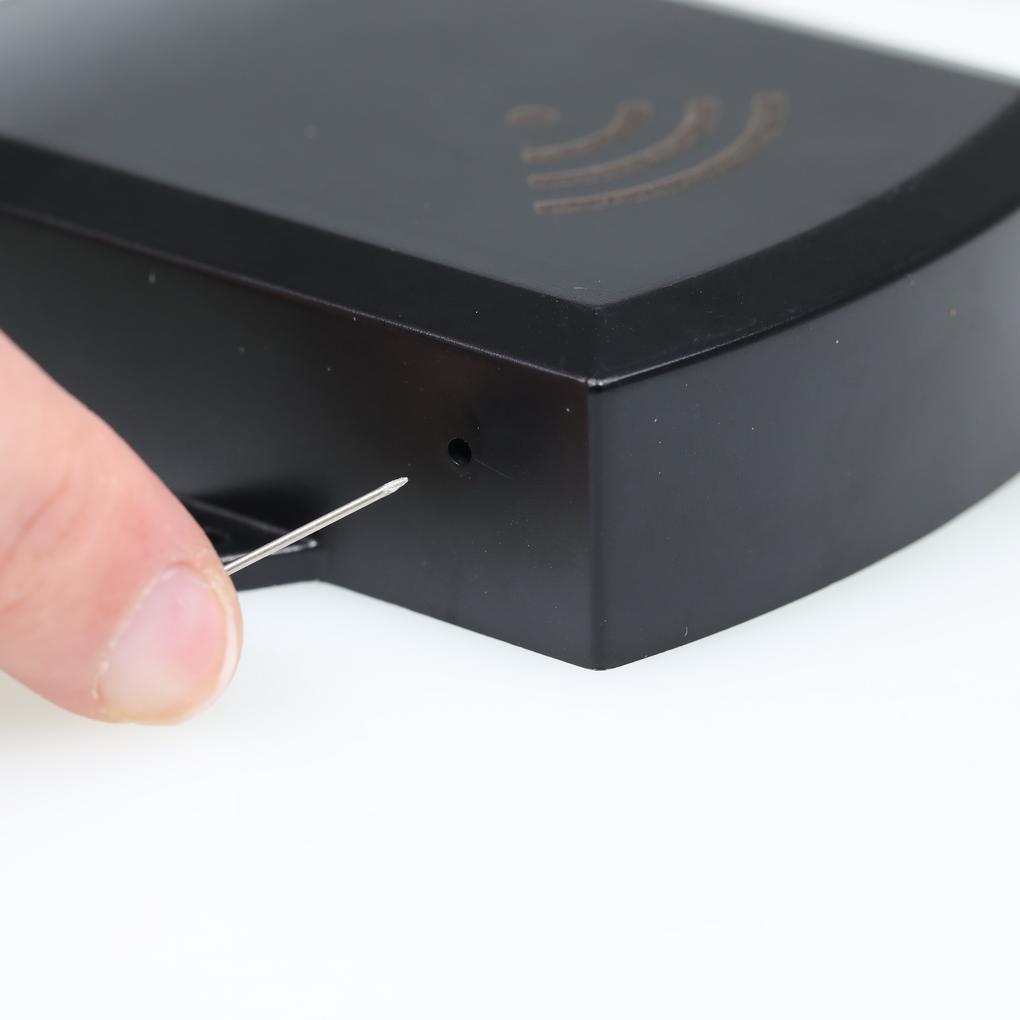
If you forget the password for your JBL LED SOLAR CONTROL or no longer have access to your home network, you can have the CONTROLLER reset by JBL Customer Service. To do this, log in at www.jbl.de/support
The "Current network" displays the network to which the controller is currently connected. If the controller is to be connected to a different network, it must first be disconnected from the old network. To disconnect, press and hold "Current network" and confirm with "Yes."
Stelle deine Frage an das JBL Service Team.