JBL PROFLORA BioRefill
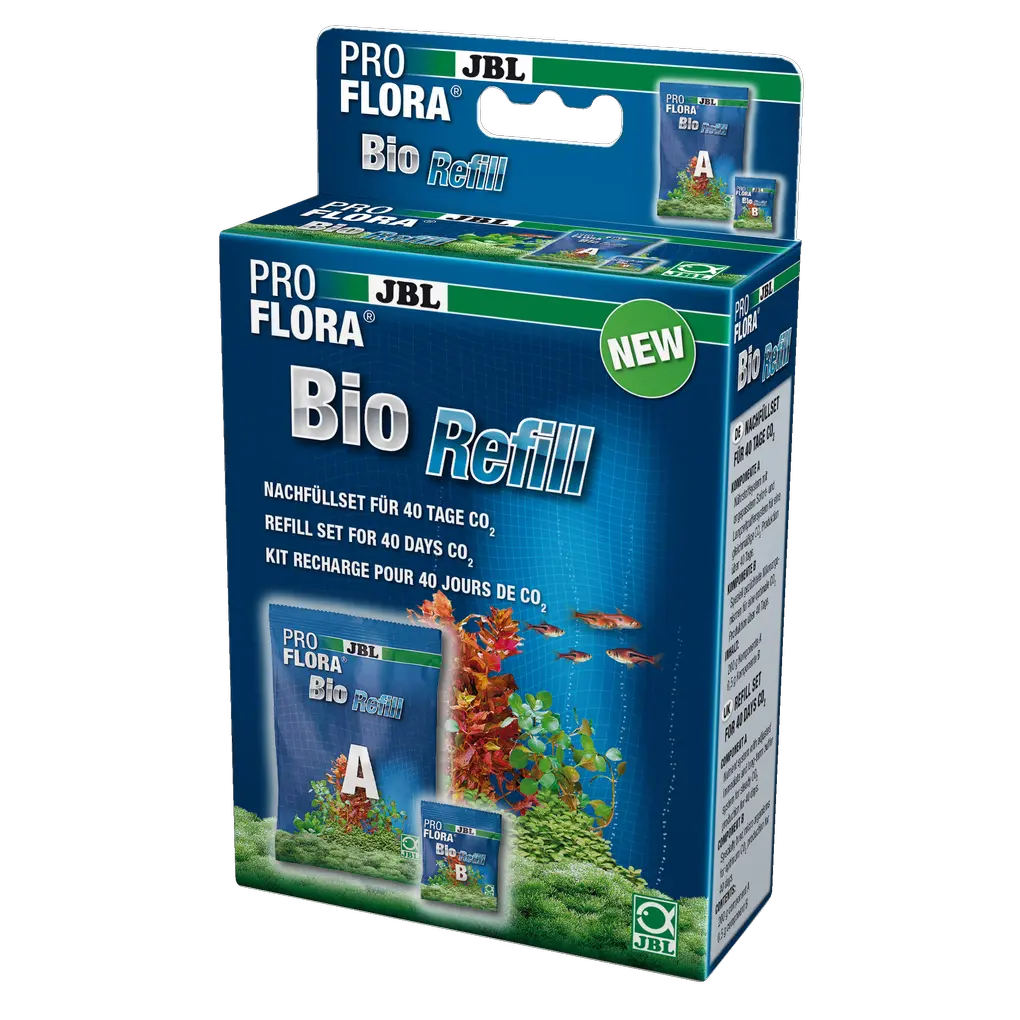
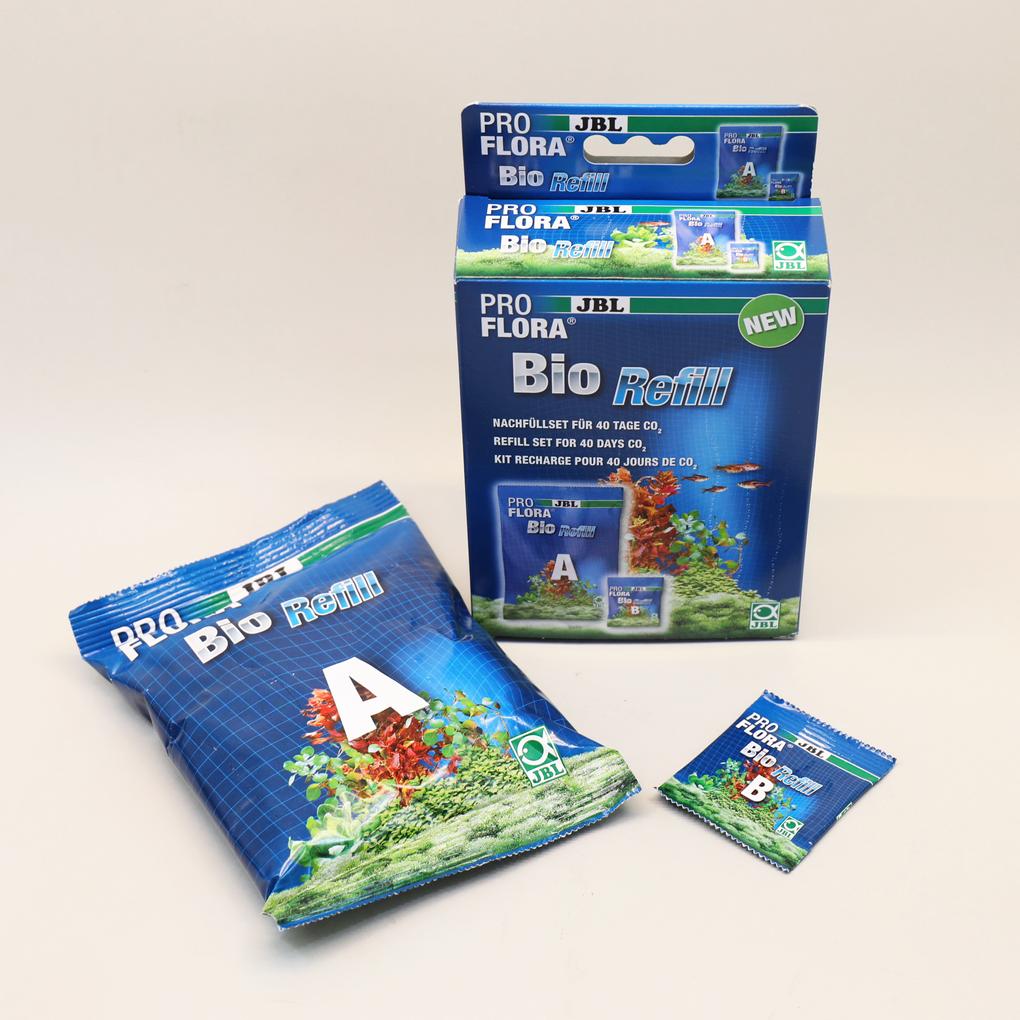
Refill set for organic CO2 fertiliser systems: Supplies 30-80 litre aquariums with the basic plant nutrient carbon dioxide for 40 days.
Archived
Item no. 6444700

9.57 EUR

Price incl. 23 VAT plus Delivery
Product no longer available
Shop locator

Product features

  • Refill set for bio-CO2 fertiliser systems: supplies 30-80 l aquariums with basic plant nutrient carbon dioxide for 40 days
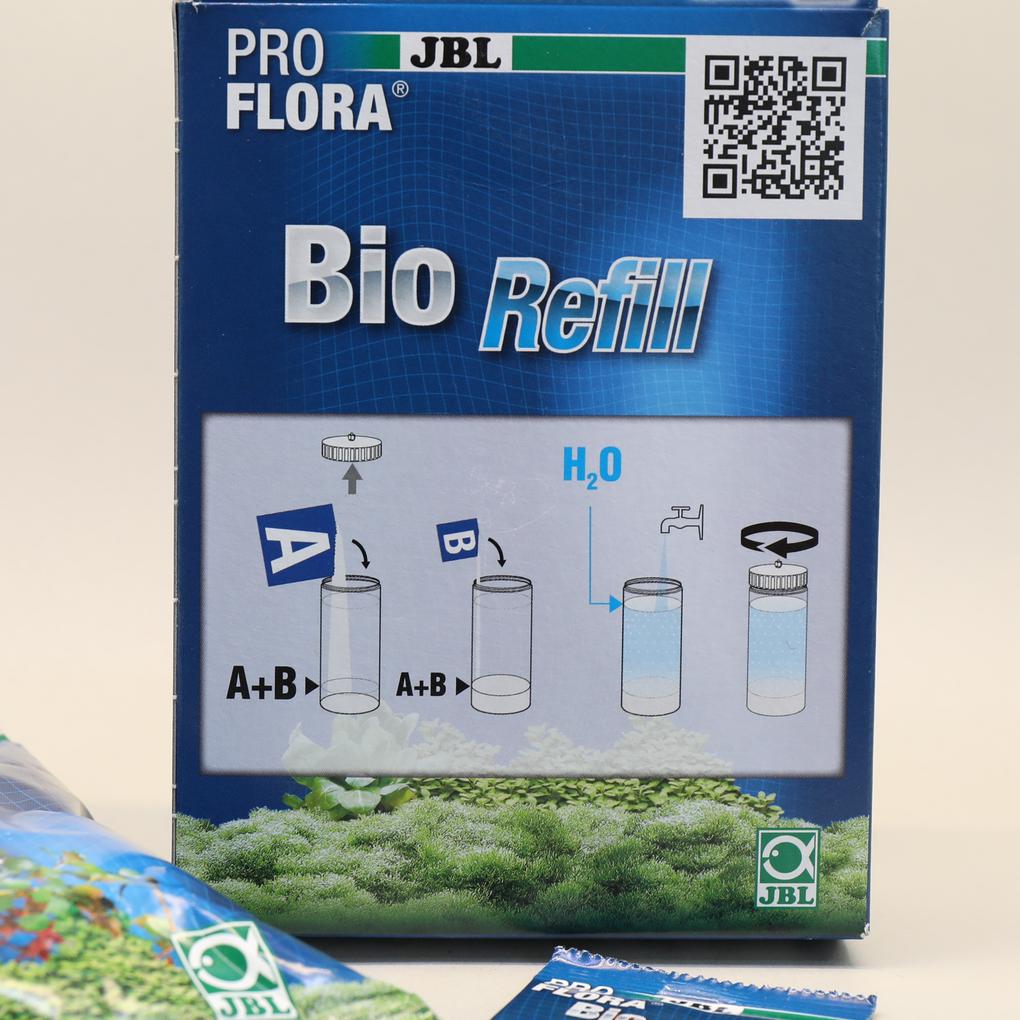
  • Easy to use: fill components A and B into the reaction canister, fill up with water, mix the components
  • Natural: CO2 production from biological fermentation process. High yield: supply for 40 days
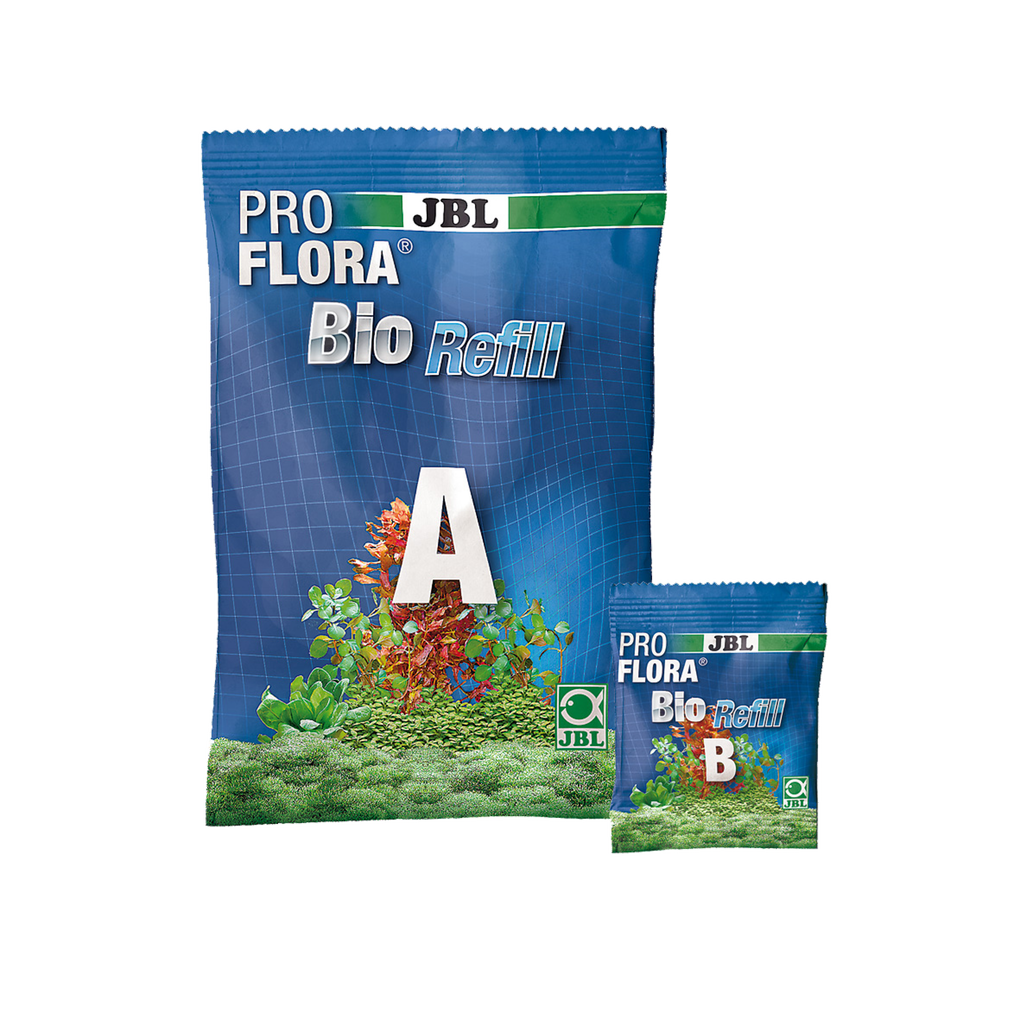
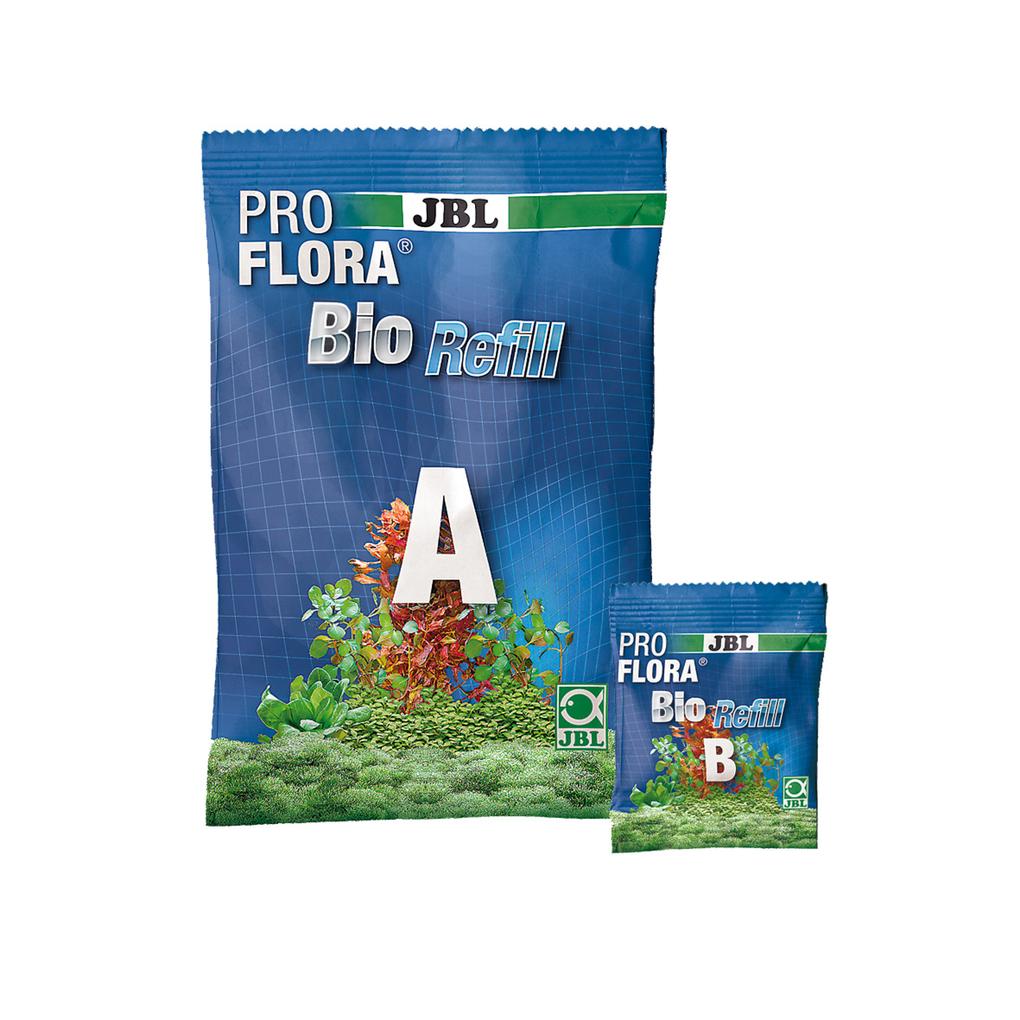
  • Incl.components A and B
  • Package contents: refill set for bio-CO2 systems, ProFlora bioRefill

Noch offene Fragen?

In unserem FAQ‑Bereich findet ihr Antworten auf die am häufigsten gestellten Fragen. Solltet ihr hier nicht fündig werden, zögert bitte nicht, uns direkt zu kontaktieren – wir helfen euch gerne weiter.

  • JBL ProFlora bio: When does fermentation begin with my BioCO2?

    When CO2 fermentation begins depends not only on the room temperature (ideally 22.5 °C and above) but also on the temperature in the reaction vessel and the starting temperature of the water (ideally 25 °C) used to prepare the mixture. Fermentation usually begins after 48 hours at the latest. If, as in your case, no CO2 production is evident, you could add a little more of the microorganisms. Alternatively, you can add approximately the same amount of dry yeast.

    War diese Antwort hilfreich?
  • The JBL BioRefill isn't starting to work.

    Please note that the microorganisms are sensitive. They require warmth for optimal start and work. After adding component 1, fill the reaction container with water at a temperature of approximately 25°C. Then add the microorganisms and close the reaction container. Shake the container vigorously, closing the opening with your finger. Then place the reaction container in the thermobox (for ProFlora bio160). The reaction should have started after 48 hours at the latest.

    War diese Antwort hilfreich?
  • Why does a huge bubble often form at the CO2 outlet when the device is switched on?

    When the solenoid valve is switched off, the pressure remains in the entire system from the cylinder via the pressure reducer and the hoses to the solenoid valve. When the solenoid valve is opened, the pressure in the system is released first, after which the system continues to operate as normal. You can reduce/prevent this by reducing the working pressure on your pressure regulator. On our new pressure regulators, this can be done with an Allen key under the black cover cap.

    War diese Antwort hilfreich?

Antwort nicht gefunden?

Stelle deine Frage an das JBL Service Team.

Information and consent to cookies & third-party content

We use technically necessary cookies/tools to offer, operate and secure this service. Furthermore ,with your express consent , we use cookies/tools for marketing, tracking, creating personalised content on third-party sites and for displaying third-party content on our website. You can revoke your consent at any time with effect for the future via the menu item ‘Cookie settings’.
By clicking on ‘Allow all’, you give us your express consent to the use of cookies/tools to improve the quality and performance of our service, for functional and personalised performance optimisation, to measure the effectiveness of our ads or campaigns, for personalised content for marketing purposes, including outside our website. This enables us to provide personalised online ads and extended analysis options about your user behaviour. This also includes accessing and storing data on your device. You can revoke your consent at any time with effect for the future via the menu item ‘Cookie settings’.
You can use the ‘Change settings’ button to grant and revoke individual consent to the cookies/tools and receive further information on the cookies/tools we use, their purposes and duration.
By clicking on ‘Only absolutely necessary’, only technically necessary cookies/tools are used.

Our data protection declaration tells you how we process personal data and what purposes we use the data processing for.

PUSH messages from JBL

What are PUSH messages? As part of the W3C standard, web notifications define an API for end-user notifications that are sent to the user's desktop and/or mobile devices via the browser. Notifications appear on the end devices as they are familiar to the end user from apps installed on the device (e.g. emails). Notifications appear on the end user’s device, just like an app (e.g. for emails) installed on the device.

A notification makes it possible to inform the user about an event outside the context of a website, such as a new blog post, a competition or a voucher.

These notifications enable a website operator to contact its users whenever they have a browser open - it doesn’t matter whether the user is currently visiting the website or not.

To be able to send web push notifications, all you need is a website with a web push code installed. This allows brands without apps to take advantage of many of the benefits of push notifications (personalised real-time communications at just the right moment).

Web notifications are part of the W3C standard and define an API for end user notifications. A notification makes it possible to inform the user about an event, such as a new blog post, outside the context of a website.

JBL GmbH & Co. KG provides this service free of charge, and it is easy to activate or deactivate.